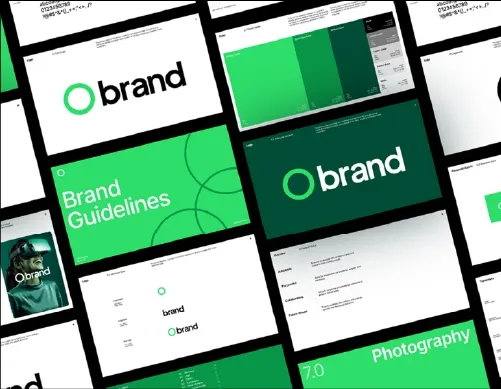
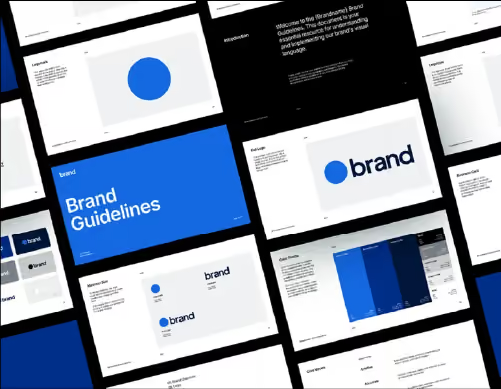
Free brand guidelines templates for Adobe Illustrator.

Three editable brand book templates, 38+ pages each, built on alignment grids. Drop in your logos, colours and type, then deliver.

Free · Adobe Illustrator files · use on client work
Free brand guidelines templates for Adobe Illustrator
Brian Steel
Brian SteelLogo & Brand Identity Designer

"Excellent template that saves time and delivers sleek, professional results with ease."

Everything in the download

Three complete brand guideline documents, built the way we build them for clients.

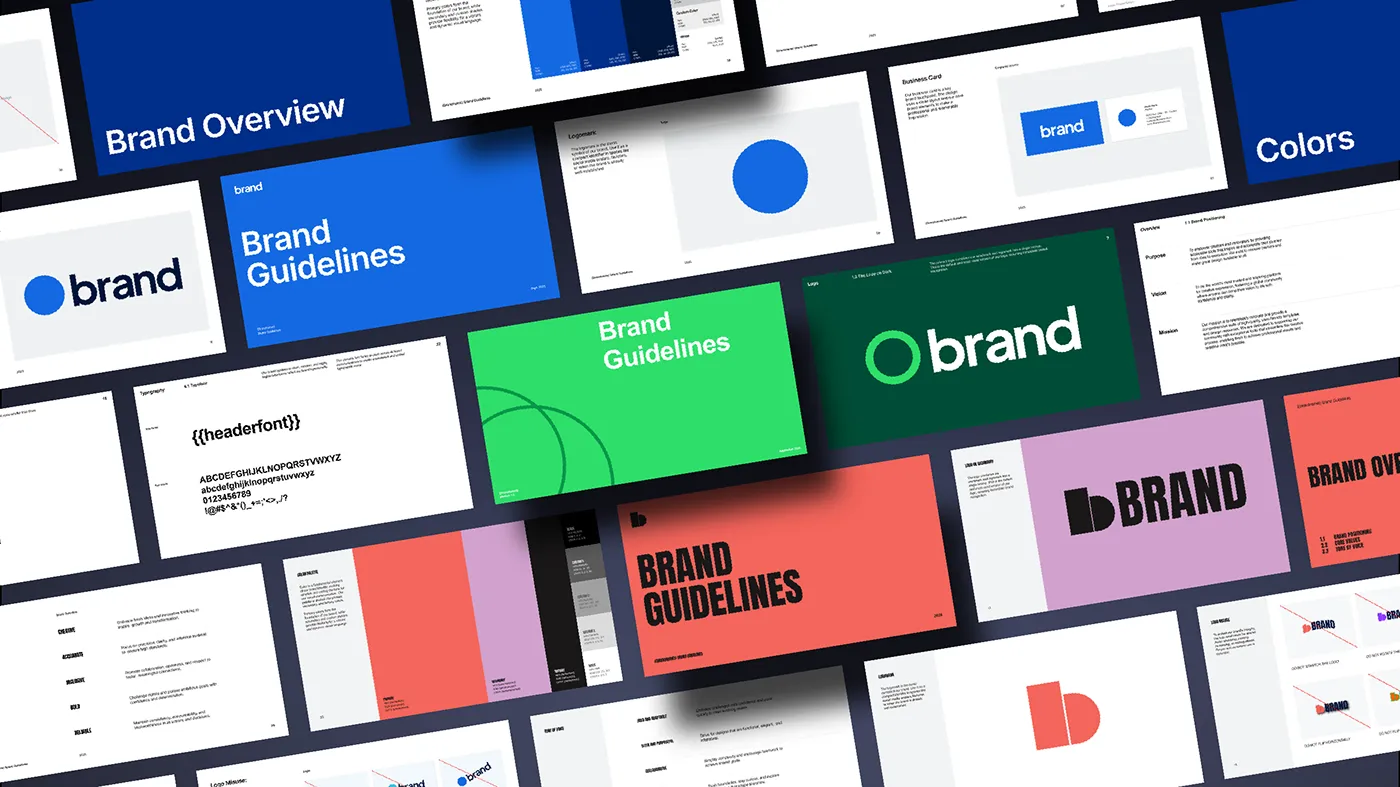
3 template styles

Contemporary, corporate and minimal. Pick the one that fits the brand.

38+ pages per document

Cover to applications, with a table of contents already in place.

8 brand guide sections

Every section a brand identity system needs, in the right order.

Native Illustrator files

Artboards and editable type. Nothing locked or rasterised.

Alignment grids on every page

Columns and baselines set up, so your edits stay consistent.

Export-ready layouts

Save to PDF straight from Illustrator and send to the client.
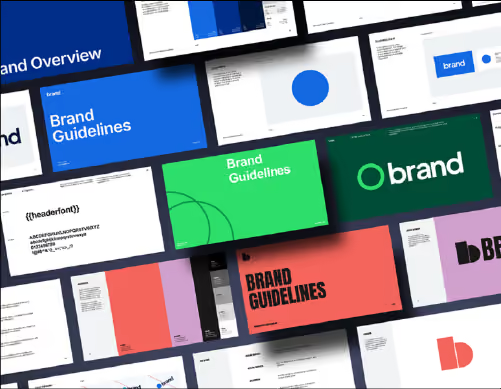
Three brand guidelines template styles

3 styles, ready to edit

  • Contemporary, corporate and minimal layouts that share one page structure
  • Every page sits on an alignment grid, so your edits stay tidy
  • Swap type, colour and imagery without rebuilding a single layout
Download the templates →

38+ pages per document

  • Cover, contents and section openers already laid out
  • Every essential brand guideline page, in the order clients expect
  • Built to be trimmed: delete what the brand doesn't need
Download the templates →
38 page brand guidelines document
Eight brand guideline sections

8 brand guide sections

  • Overview, logo, clearspace and misuse, colour, typography, imagery, graphic elements, applications
  • Placement areas marked out for logos, palettes and type specimens
  • A short prompt on each page so you know exactly what goes where
Download the templates →
Or skip the template

Generate the whole document from your Illustrator file.

Brand Guidelines, one of the six tools in Akrivi Studio, places your logos, colours and fonts into a complete guideline document in about six minutes.

Questions & answers

Is it really free?

Yes. Download from Gumroad, enter 0 at the checkout, and the files are yours.

What do I need to open the files?

Adobe Illustrator. The templates are native .ai files with artboards, so any recent version works.

Can I use them on client projects?

Yes, that is what they are for. The one thing you can't do is resell or redistribute the templates themselves.

How is this different from the Brand Guidelines tool?

The templates are the manual route: you place everything yourself. The tool reads your Illustrator file and builds the document for you, so it takes minutes rather than a day.

Check your next logo in one click.

Try all six tools free for 14 days, inside Adobe Illustrator. Pay at the end of your project.

14-day free trial · pay at the end of your project