5 Best Logo Grid Tools & Templates for Designers in 2026
Discover the best logo grid tools, templates, and Illustrator plugins to design more precise, professional logos in 2026. Tools for modern identity designers.
Looking for useful tools, techniques, and templates for logo grids? Look no further.
Crafting a great logo takes precision, and let’s be real, a little design magic.
Logo grids are that secret magic.
They help you create logos that feel balanced, consistent, and built to last.
But here’s the truth... As a logo designer myself, I kept running into the same problem.
There were no tools AT ALL made specifically for logo grids. So I built them.
Every tool in this guide is part of the Akrivi ecosystem.
I designed them based on real client projects and real design struggles, and now over 20,000 designers use them to work faster and with more confidence.
If you’re looking for the best logo grid tools, templates, and techniques in 2026, you’re in the right place. Let’s get into it!
Get ready to start creating world-class logos! If you're new to grids, I explained in depth what a logo grid is.
The Roundup: 5 Essential Logo Grid Resources
1. Base Grid Generator™ (Adobe Illustrator Plugin)
This is the tool I seriously wish I had when I was starting out.
I can’t tell you how many times I proudly built a base grid from scratch, started designing, felt good about it… then later realised the grid was off. It’s a bit embarrassing when you find out the logo is technically wrong, all because the foundation wasn’t solid!
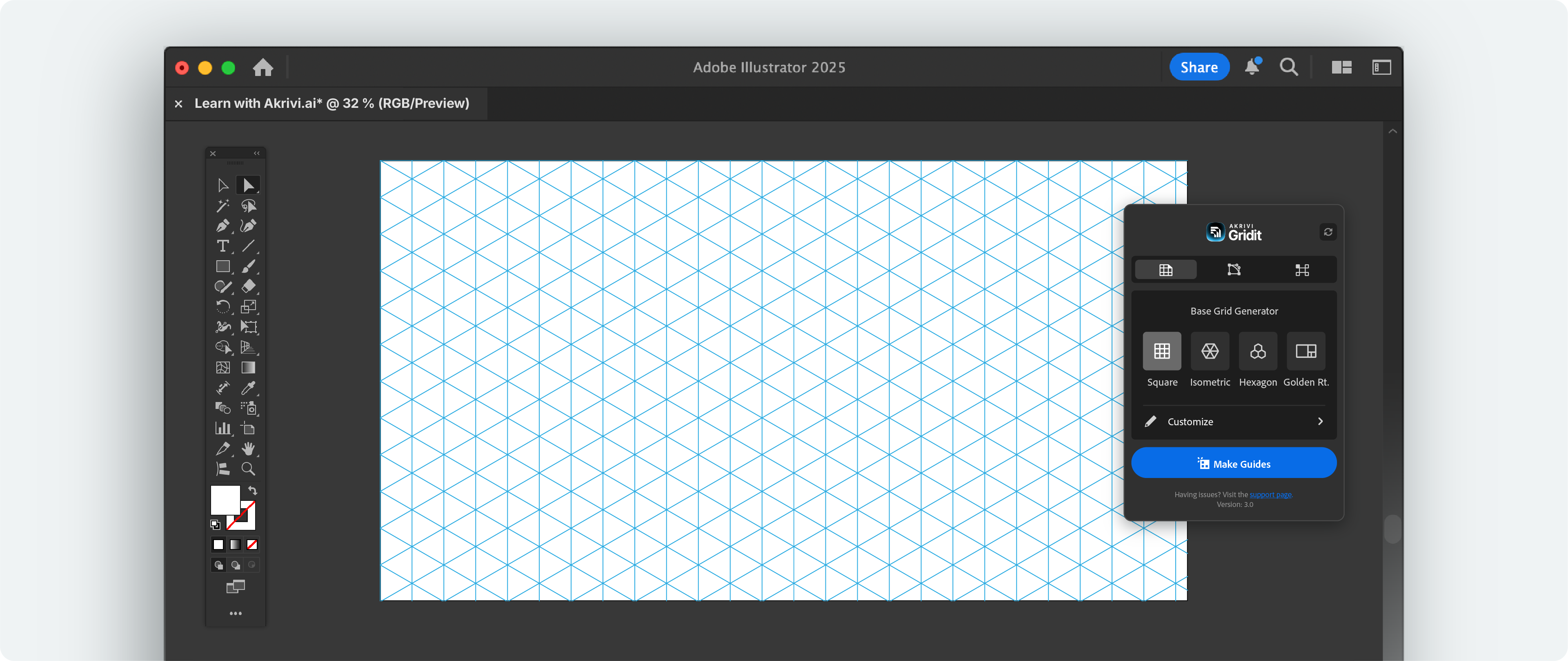
With this Gridit tool, that never happens. It instantly creates base grids before you start designing. You can pick from square, isometric, hex, or golden ratio grids with one click.
It gives you a consistent, accurate grid every time, which leads to cleaner, more balanced logos. No more guessing, no more fixing things too late, and no more pretending you meant for it to be slightly crooked.
Base Grid Generator Adobe Illustrator Plugin - Creating Isometric Grid
2. Logo Grid Generator™ (Adobe Illustrator Plugin)
Logo design is detailed work. Really detailed.
You spend hours getting every curve and angle just right. So when it’s time to show your logo to a client or post it in your portfolio, you want people to see the craft that went into it.
The problem is, even with all that effort, it’s easy to miss small flaws. A point slightly off. A curve that’s not quite smooth. It happens to the best of us.
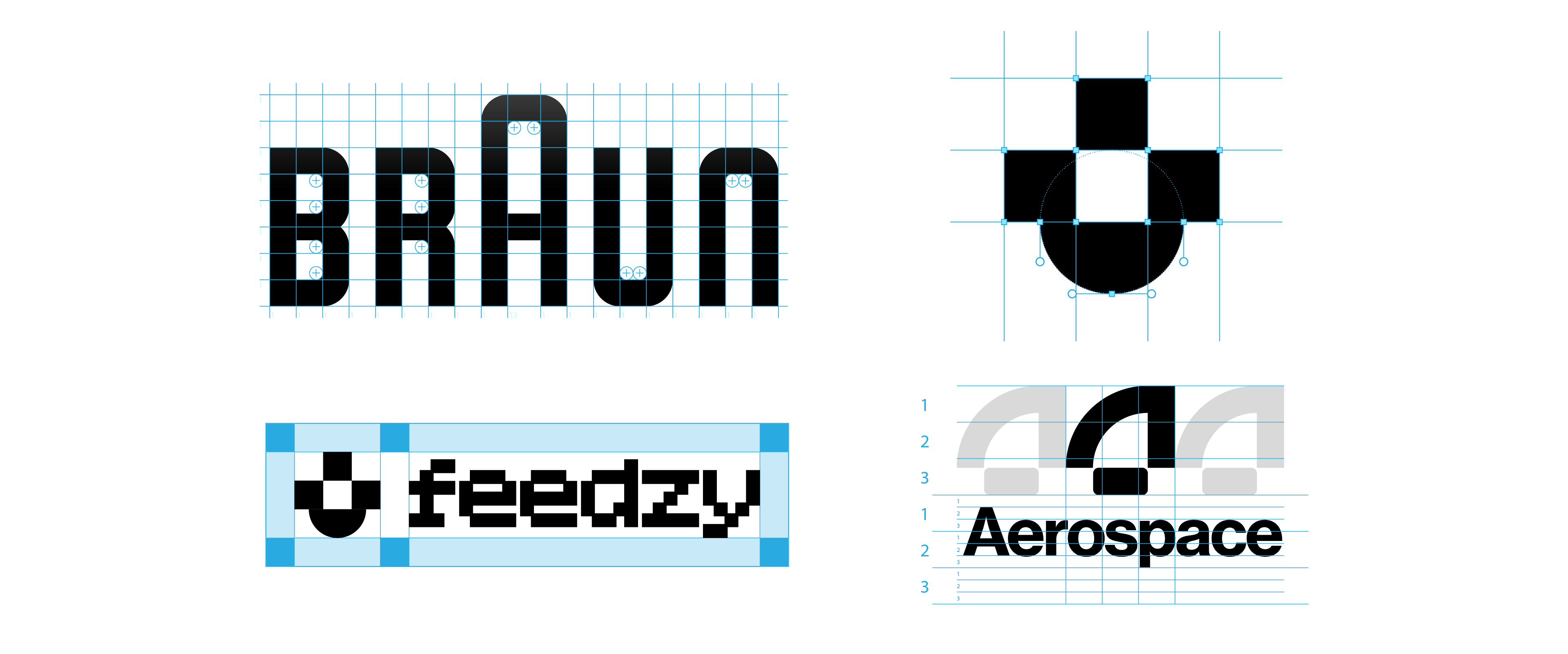
That’s where a construction grid comes in. It’s the best way to reveal the structure behind your logo and make sure everything is pixel-perfect. But recreating one manually in Illustrator? That can take 30 to 60 minutes — or more if you’re a perfectionist.
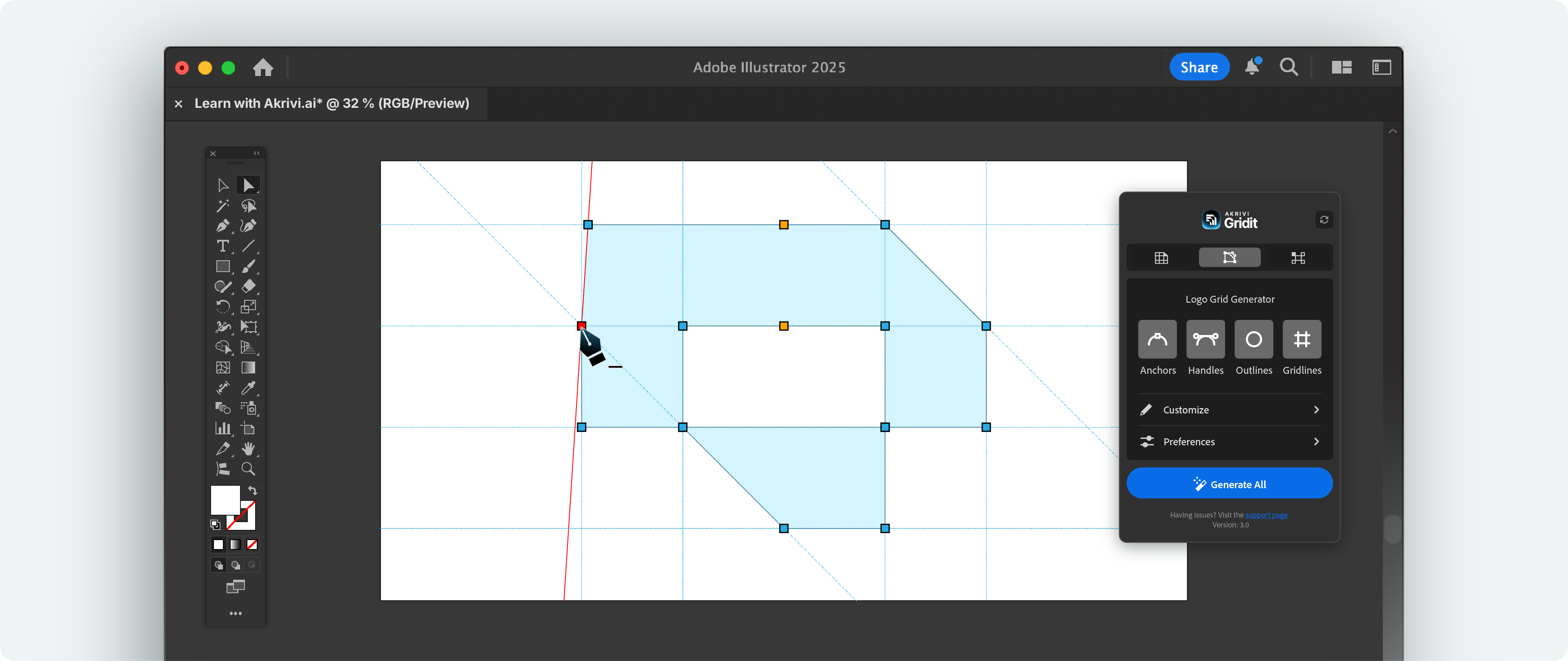
Logo Grid Generator™ solves that in one click. It instantly generates a construction grid showing every anchor point, bezier handle, outline, and gridline.
Nothing stays hidden, and no detail goes unchecked.
This tool is a game-changer for logo presentations and your portfolio projects.
Logo Grid Generator Adobe Illustrator Plugin - Creating Construction Grid
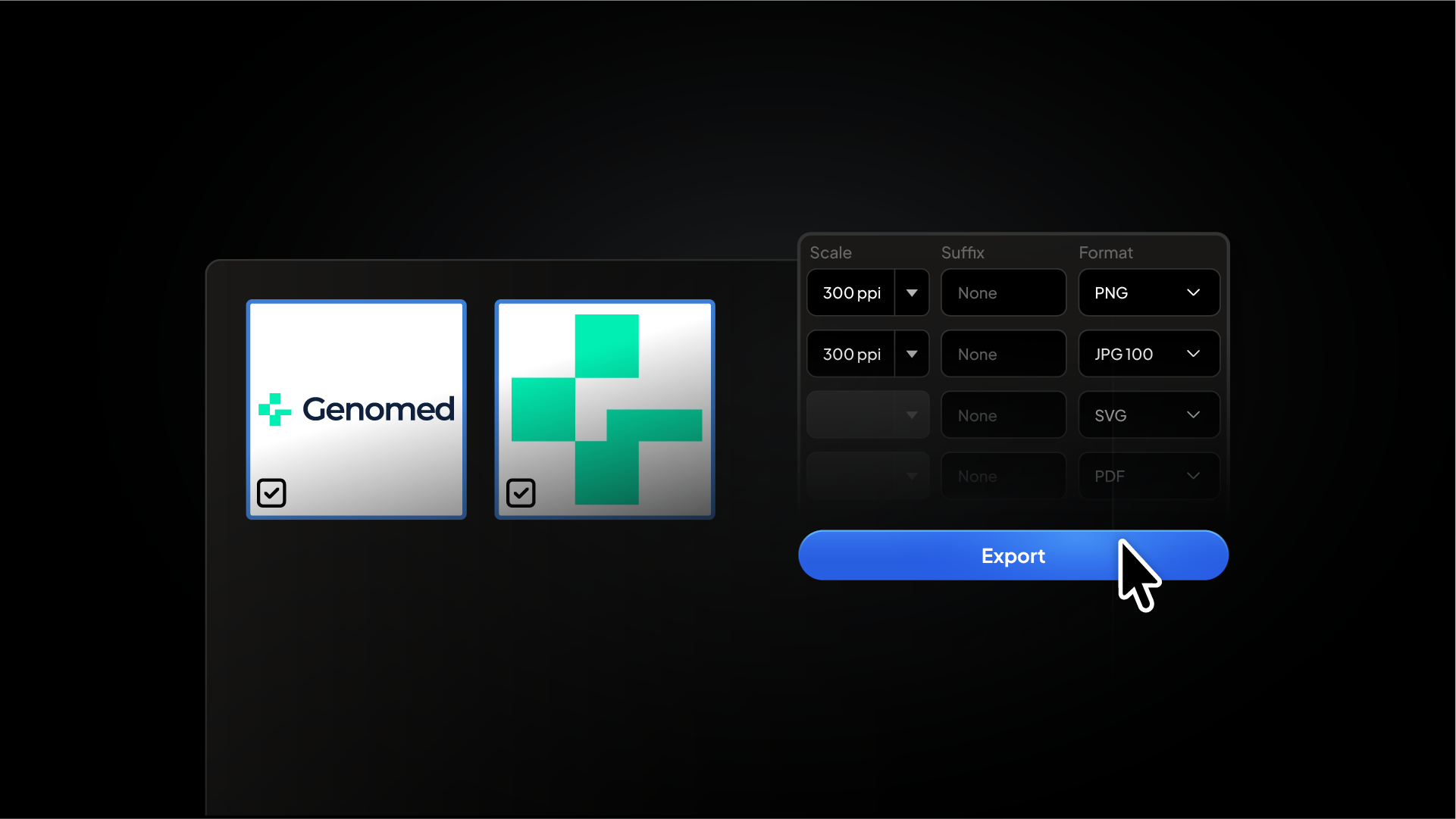
With these scripts, you can skip the guesswork and align your elements with precision in just one click. It’s like giving your logo mark and type the perfect relationship — no awkward spacing, no weird tension, just harmony.
If your working on a brand that requires multiple logo variations (most brands do) than these tools and techniques are the go to solution.
Instant Lockup Grids - Adobe Illustrator Scripts
4. Logo Grids Core Kit - FREE Logo Grids Template (Adobe Illustrator Template)
Grids are a must when designing logos, especially geometric ones.
Every project needs a strong foundation, and that usually starts with a grid. But building one from scratch every time takes more time than you’d like to admit.
That’s why I created the Logo Grid Core Kit, a free Adobe Illustrator template with ready-to-use logo grids.
It includes majority of the different type of logo grids I explained in depth here.
Just open the file, choose the grid you need, and start designing. No setup, no guesswork, and no more wasting time redrawing the same lines over and over.
It’s perfect for any designer who wants clean and consistent results without starting from zero every time.
Logo Grids Template Adobe Illustrator
5. Mastering Logo Grids In Adobe Illustrator (Ebook)
Also included in the Logo Grid Core Kit is a free ebook that walks you through the entire logo grid process.
It’s a step-by-step, in-depth guide that explains how to create different types of grids, when to use them, and how to apply them properly in Adobe Illustrator.
Whether you’re just getting started with grids or want to sharpen your skills, this ebook gives you the clarity and structure you need to design with more precision and confidence.
Mastering Logo Grids in Adobe Illustrator Ebook
Conclusion
The right logo grid tools, templates, and Illustrator plugins can completely change the way you design.
With the help of smart scripts and simple templates, you can create balanced, clean, and professional logos faster and with more confidence.
Make 2026 the year you level up your logo work. Your clients will notice, and your portfolio will stand out.

.webp)