Learn how to master logo design for free with practical tools, smart workflows, and simple techniques from a working logo specialist — no expensive courses needed.
Let’s start with the good news: you don’t need to spend thousands on design school or fancy software bundles to learn logo design.
What you do need is:
A structured approach
The right tools
A consistent practice habit
A mindset that values clarity, not chaos
As someone who’s worked on hundreds of logos and developed Akrivi Gridit to streamline the workflow for other designers, I’ve seen firsthand what works — and what doesn’t. This guide is built to help you cut through the fluff and start designing smarter today.
Step 1: Understand What Makes a Great Logo
Before diving into design tools or Illustrator tricks, get clear on what you’re actually trying to create.
A great logo is:
Simple – Easy to recognize at a glance
Memorable – Distinct and sticky in the mind
Relevant – Suited to the brand it represents
Timeless – Doesn’t follow design fads
Scalable – Looks great from a favicon to a billboard
👉 Start Here: Read “Logo Design Principles 2025” blogs or watch YouTube breakdowns of iconic logos (Nike, FedEx, Apple).
Step 2: Learn the Logo Design Process (For Free)
Even experienced designers waste time by skipping steps. A typical efficient logo design process includes:
Discovery – Understand the brand, goals, and audience
Research – Analyze competitors, market, and style direction
Sketching – Explore ideas quickly by hand or on tablet
Refining – Vectorize in Illustrator, test variations
Presentation – Showcase clean, logical options with rationale
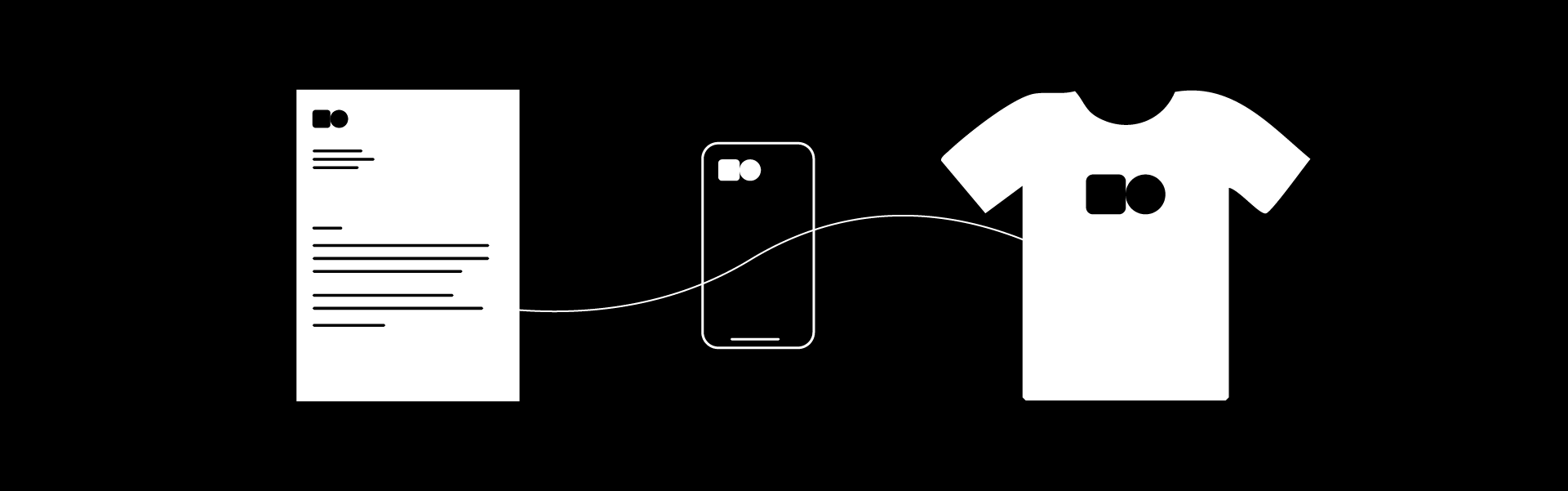
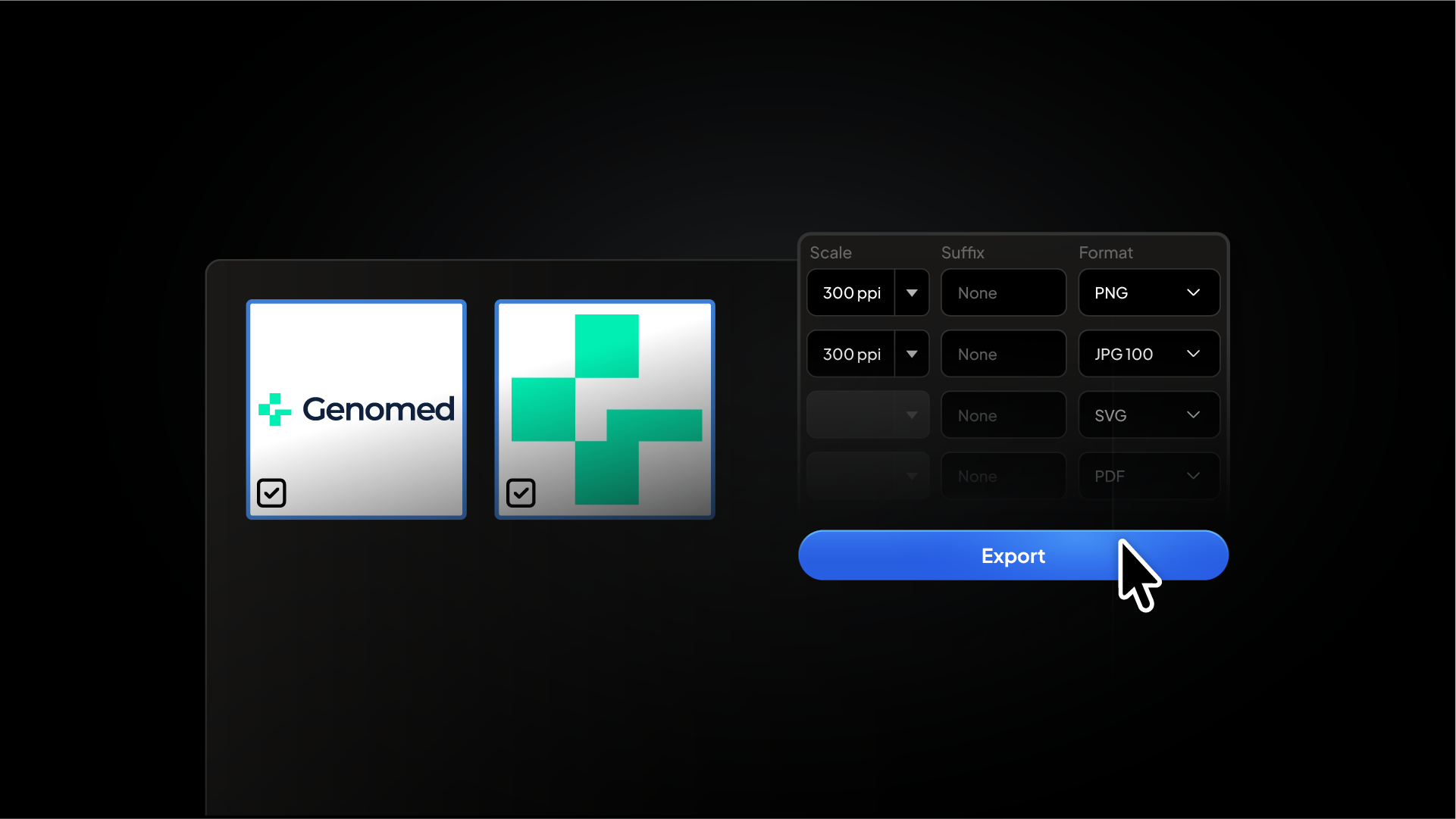
Delivery – Export files, logo grid, and brand guidelines
You don’t need to invent this process. Just follow it — every time.
Step 3: Use Free Tools To Make Better Logos Faster
A lot of beginners spend hours lining things up manually in Illustrator — I used to be one of them.
But smart logo designers automate the repetitive parts of the process.
At Akrivi, we’ve developed tools to help logo designers create faster and more precisely. Specifically, we’ve created free Adobe Illustrator scripts that automate your grid work and alignment, along with pre-made templates that give you a professional structure instantly.
Akrivi Blog — Practical breakdowns and workflow tools
Brand New by UnderConsideration — Real-world logo critiques
LogoLounge — Great for trend analysis
Just be careful not to fall into a content-consumption loop. Learn, apply, repeat.
Step 7: Use the Right Tools (When You're Ready)
Eventually, you’ll want to level up your workflow. That’s where paid extensions come in.
At Akrivi, we offer Adobe Illustrator extensions built specifically for logo and identity designers. These aren’t generic design tools — they’re purpose-built to help with:
Logo lockup automation
Precision grid construction
Professional logo presentation templates
Creative process optimization
But here’s the thing: you don’t need to start with paid tools.
Our free scripts and templates can take you really far, and we designed them that way on purpose — so freelancers and students in the UK, US, Brazil, France, Germany, Saudi Arabia, and the Nordics can learn without barriers.
Final Thoughts: You Can Learn Logo Design — Without Paying a Cent
Logo design isn’t about flashy tools or expensive software. It’s about structure, clarity, and the ability to communicate through shape and form.
If you’re willing to:
Study the fundamentals
Practice intentionally
Use tools that help (not hurt) your workflow
Share your work and stay consistent
You will become a great logo designer for free.
When are you ready to speed up your process and start presenting work like a pro?
We’ll be right here.
Ready to Design Smarter?
Explore our free tools and downloadable templates — and streamline your logo design workflow with Akrivi.