Improving Logo File Delivery for a More Efficient Branding Workflow
Exporting and delivering logo files in Adobe Illustrator is still one of the most repetitive and fragmented parts of brand identity design. This article explores why improving logo file delivery can significantly increase efficiency across the entire branding workflow for freelancers, studios, and design teams.
Why the final stage of brand identity design is still inefficient — and how improving it impacts the entire creative process
Designing a logo already takes a huge amount of time.
Depending on the project, you might spend several days exploring concepts, refining typography, balancing proportions, not even including solving the actual brand strategy problem.
But once the logo is approved, there's another stage that requires technical attention to detail.
Preparing and delivering the logo files.
And in many cases, this final stage is still far more manual than it should be.
Delivering logo files is more than sending a folder
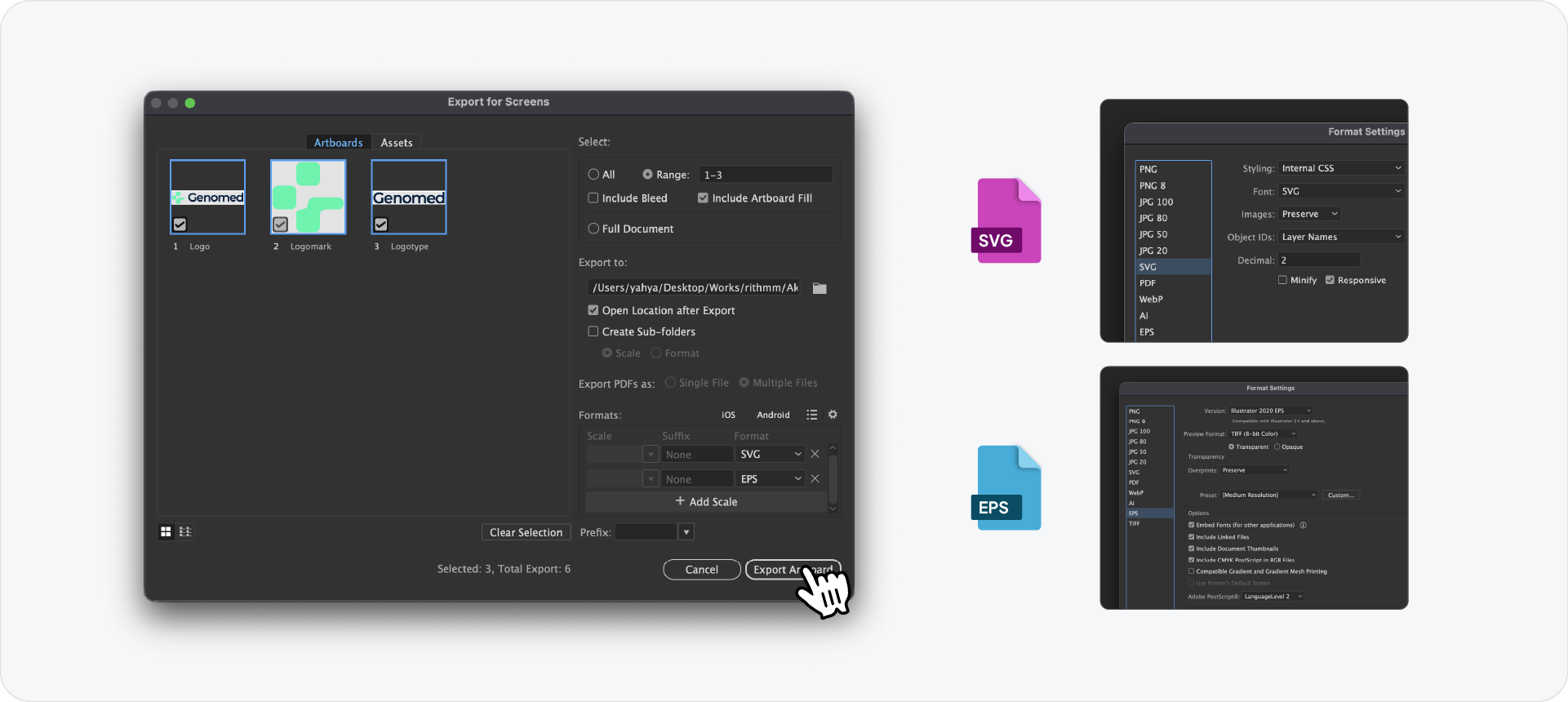
Features like Export for Screens make batch exporting faster and more manageable.
There are also great existing Adobe Illustrator plugins like Logo Package Express that help streamline parts of the process.
But even with these improvements, the workflow still feels fragmented.
One of the biggest issues is constantly switching between different tools and stages throughout the brand identity process.
You create the logo in one place, then switch to prepare the logo presentation and brand guidelines in another platform like InDesign, to then return again to prepare and export logo files for delivery.
As a designer of almost 10 years, the workflow becomes a chain of disconnected steps instead of one connected system.
And because every project repeats this process, small inefficiencies compound quickly across the entire brand identity workflow.
The real inefficiency is repetition
The issue is not exporting itself.
The issue is repeating the same preparation process every time.
Every project eventually reaches the same final stage:
The goal is to simplify the final stage of brand identity delivery by turning it into a more structured workflow, seemlessly connected with the previous stage/ tool - Guideit Brand Guidelines Generator.
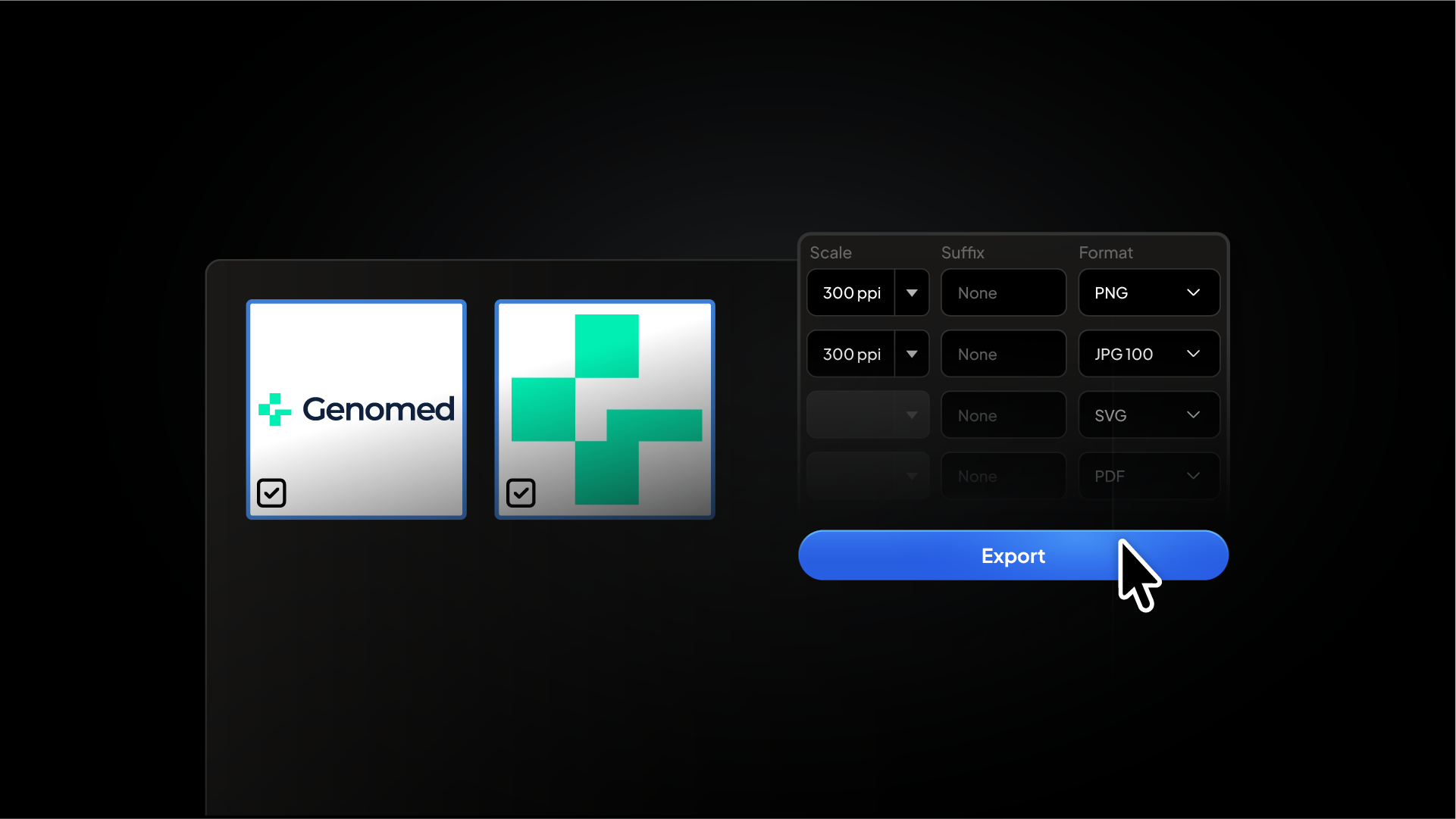
Instead of manually creating every export setup, Exportit allows designers to:
select logo variations together
generate multiple file formats
prepare web and print outputs
organise files automatically
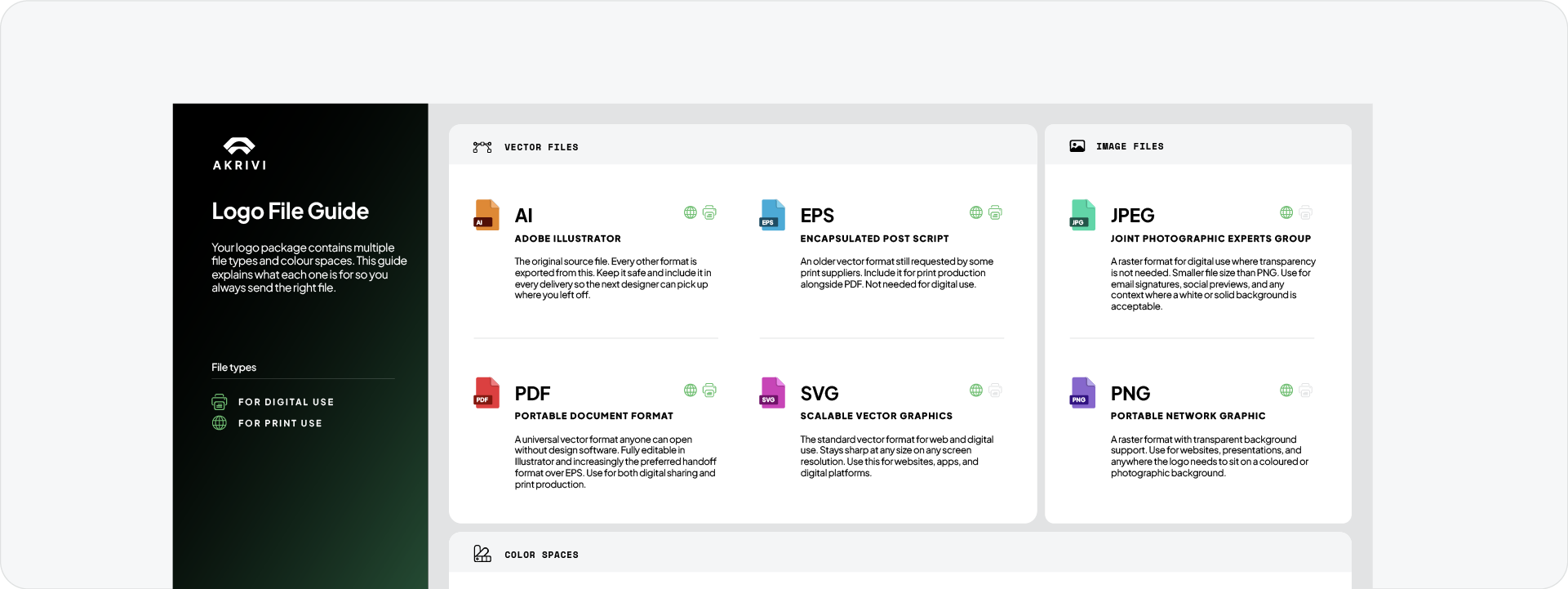
include a logo usage instruction sheet for clients
The idea is not just to export files faster.
It’s to improve the efficiency of the overall brand identity workflow by reducing friction at the final stage of the process.
Final thoughts
Designing the logo is only part of the job.
Preparing and delivering the files is another major stage entirely.
And because every real client project ends with delivery, improving this stage improves the efficiency of the entire workflow.
That’s why I believe improving logo file delivery through connected systems like Akrivi Studio, where every stage of the brand identity process flows into the next, can significantly increase efficiency for freelancers, design teams, and brand identity studios.


.png)