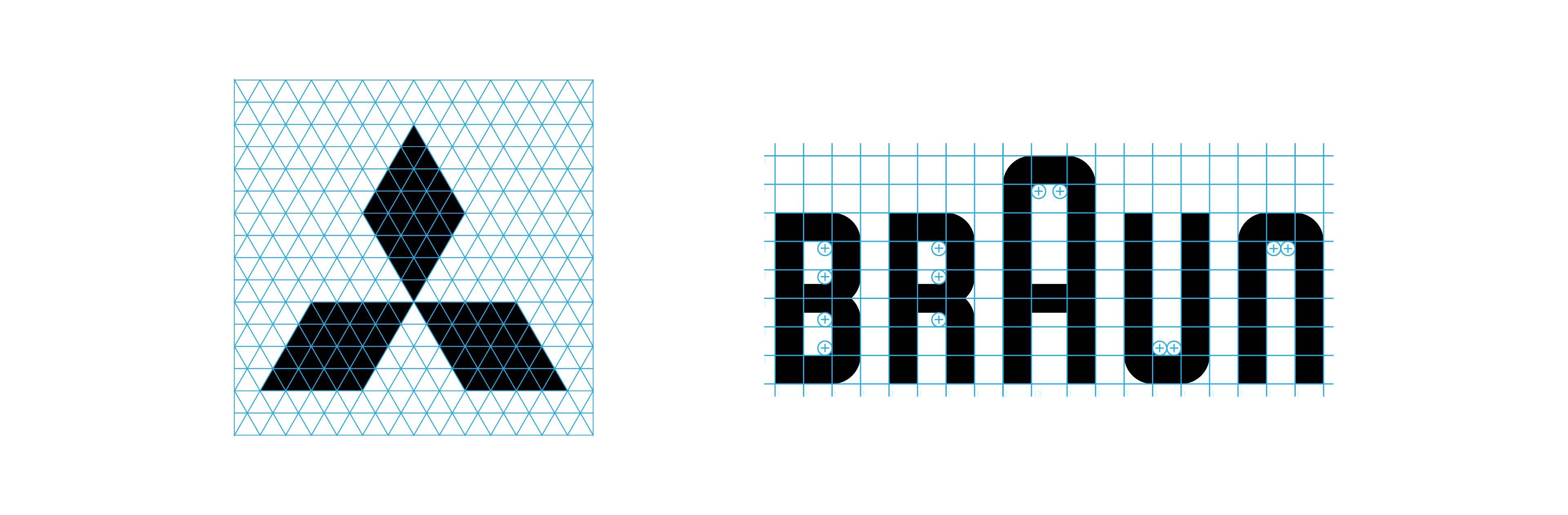
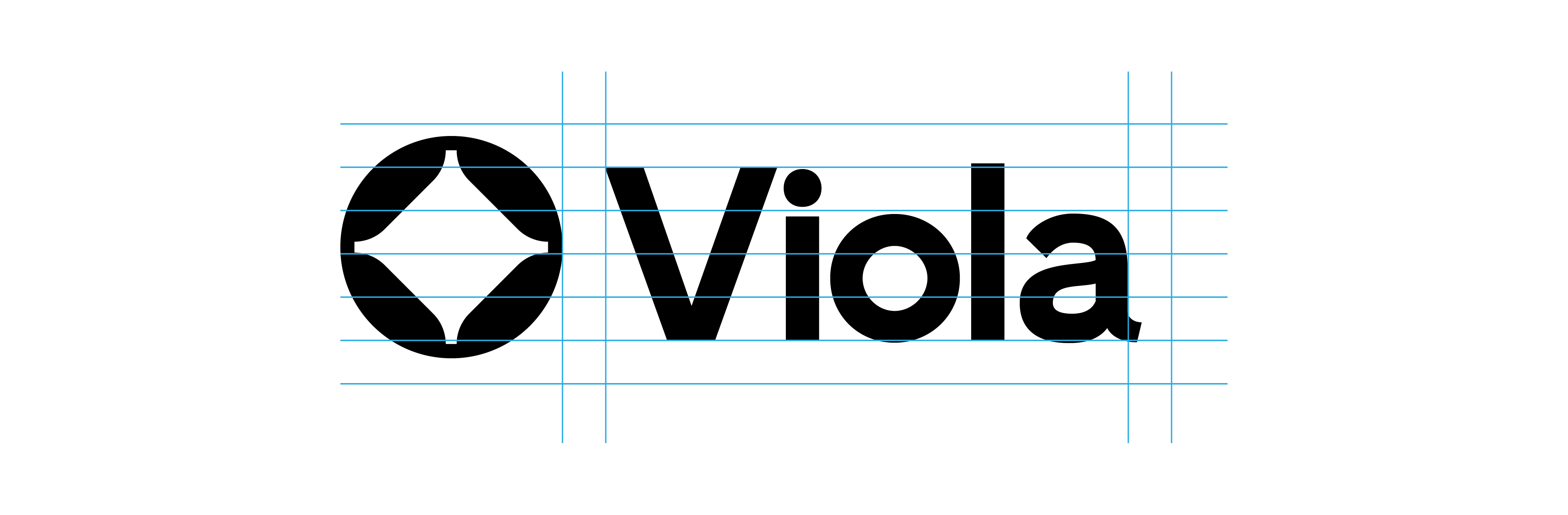
Discover the 4 types of logo grids every designer should know: base, construction, lockup, and clearspace. Learn when to use each grid, how they improve your logos, and download free logo grid templates to apply them fast.
Did you know there are 4 types of logo grid systems? Base, Construction, Lockup and Clearspace. Here’s how and when to use them.
After almost a decade of designing logos, there’s one thing I've learned - NEVER SKIP GRIDS.
I use them before, during and after I design. They’re like the unsung heroes behind every professional logo.
But here’s the strange part: no one talks about the different types of logo grids. It’s all “use a grid”, like that explains everything. I started wondering, why doesn’t anyone name these things? So, I did.
Purpose: pixel-perfect polish and “how is this so perfect?” energy.
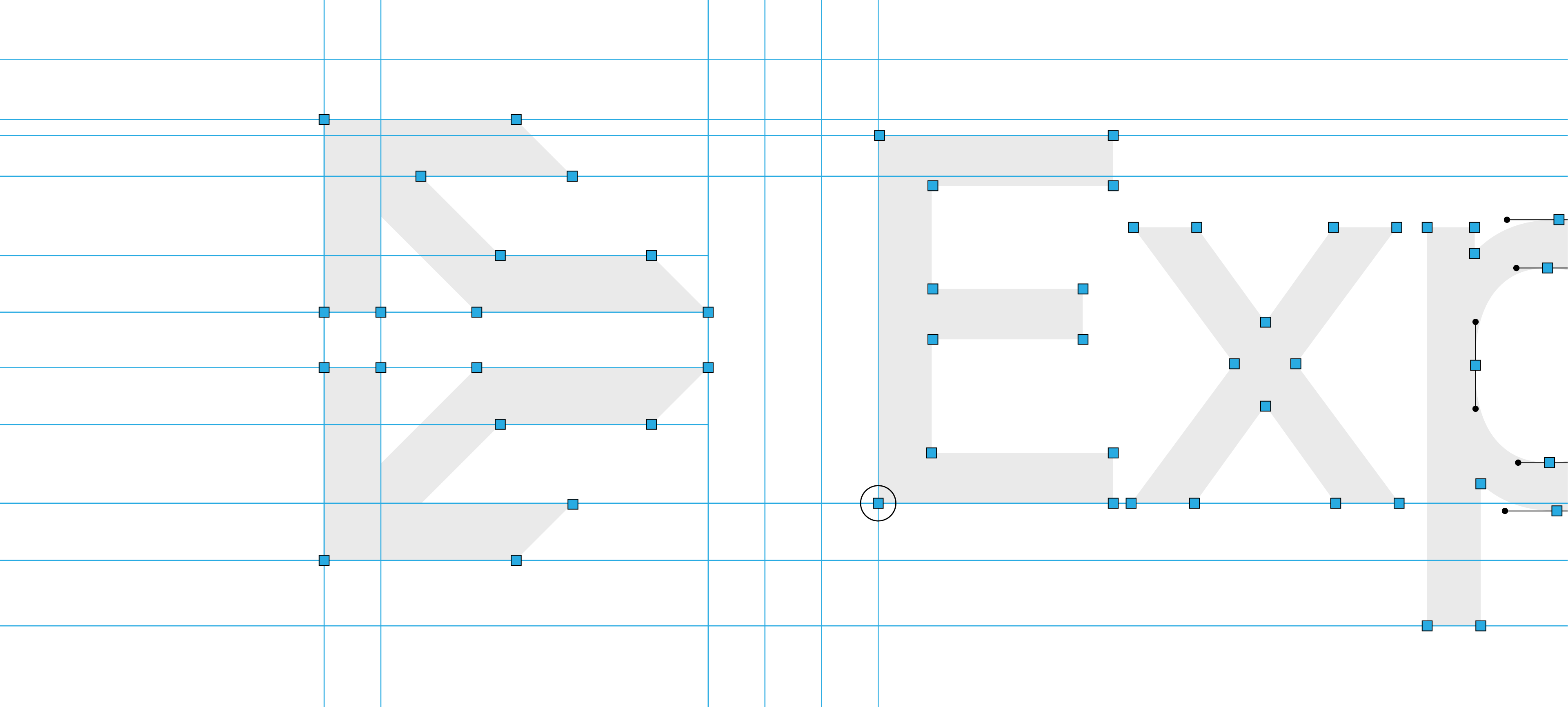
This one’s your secret weapon before presenting the logo to a client. A Construction Grid helps you spot any mistakes like uneven lines or things that don’t line up.
Think of it like your logo going through final inspection.
A construction grid reveals the anchors, handles, outlines, and gridlines in your logo to help you check for mistakes.
The issue with this type of grid is that it can take 30–60 minutes per logo (yes, really).
Vector blueprint clarity – Spot structural mistakes before your client does and refine with confidence
Detailed gridlines – Ensure shapes, angles, and elements are perfectly aligned and balanced
Visual spacing guide – Check spacing between elements to maintain optical consistency
Refinement layer – Use it at the end of your process to clean up curves, edges, and proportions
Presentation-ready polish – Add a professional layer of structure to impress clients and justify design decisions
Error-proofing – Helps avoid feedback like “can we tweak the spacing?” by showing you’ve already addressed it
Tools:
Gridit Logo Grid Generator can instantly create construction grids, revealing anchors, handles, outlines and gridlines for your logos (Adobe Illustrator Extension)
Use it to pair logomarks and logotypes like a pro.
Purpose: harmony and hierarchy.
You’ve got your logo mark. You’ve got your logotype. But how do you stack, align, or pair them without eyeballing it and hoping for the best?
Thats why Lockup Grids are a lifesaver.
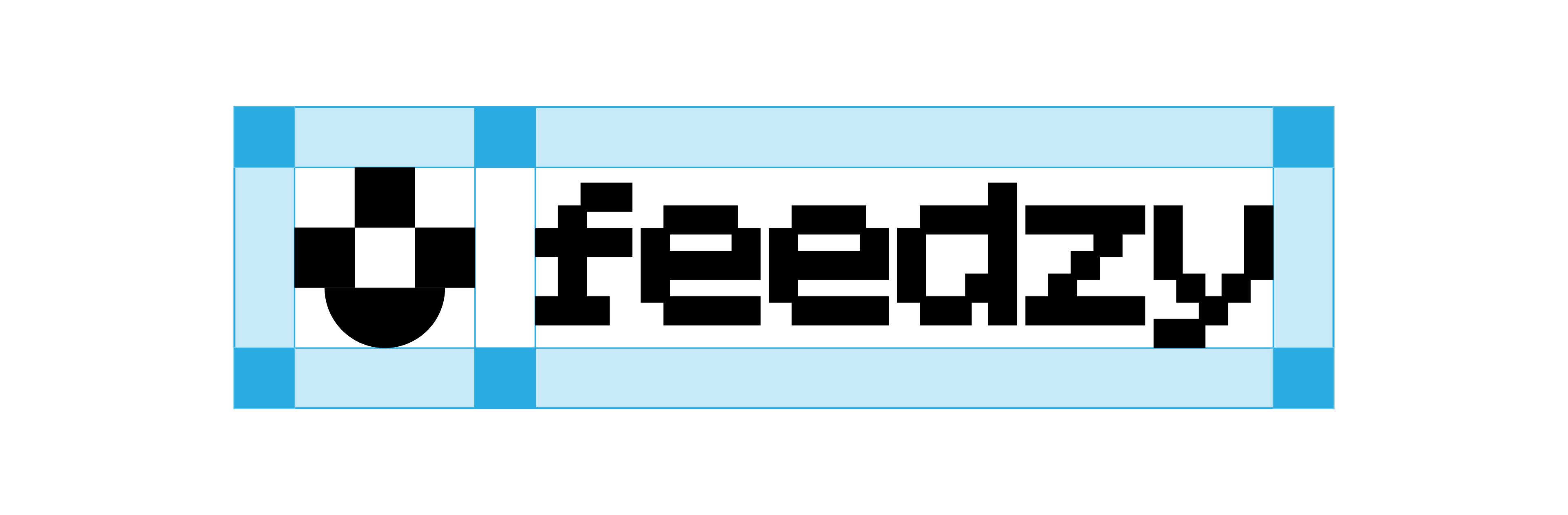
Lockup grids help your logo and text line up, no matter the layout.
These grids use techniques like the rule of thirds to:
Keep spacing consistent between mark and type
Make your layouts feel intentional, not improvised
Avoid the “Oops, that looks of-center” email from clients
Tools:
Lockup Grids Script Pack gives you the ability to generate lockup grid systems, to help you balace your horizontal and vertical logos (Adobe Illustrator Script)