Eight ready-made grids for balanced, professional logos, plus a short ebook and video tutorials on using them. Drop your logo in and refine.
Free · Illustrator and SVG files · use on client work

Templates, a short ebook and video tutorials, built from the same grids we use on client logos.

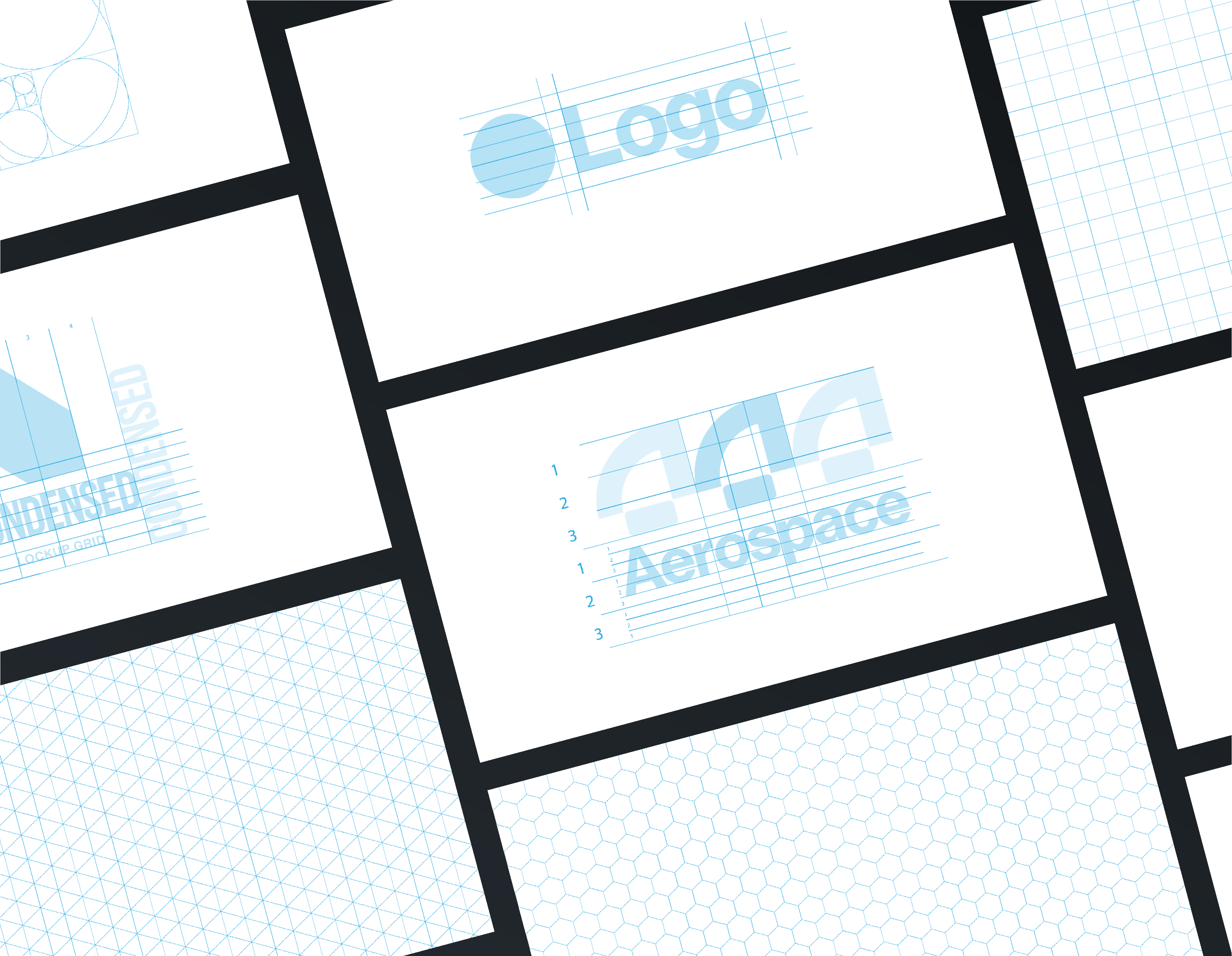
Square, isometric, hexagon, construction, clearspace and three lockup grids.

Base, construction, lockup and clearspace, the full set a logo needs.

Native .ai files, plus SVGs that open in any vector app.

A short PDF on grid theory and building accurate grids from scratch.

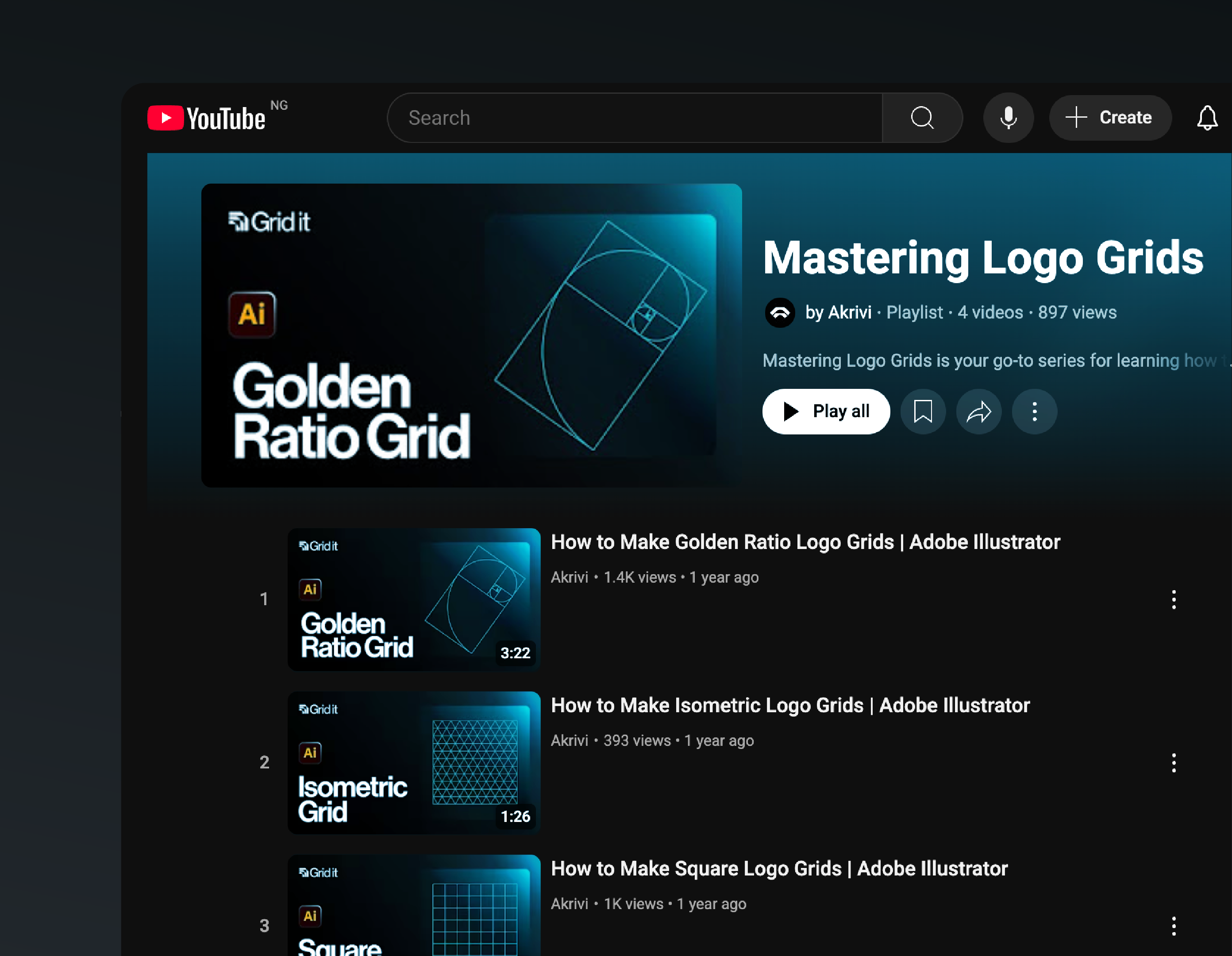
One quick walkthrough for each grid type. No guesswork.

Wordmarks, symbols and lockups. Editable, so you can adapt the grid.

Logo Grids, one of the six tools in Akrivi Studio, draws base, construction, lockup and clearspace grids around your artwork in about a minute per logo. Templates are the manual route. This is the automatic one.
Yes. Download from Gumroad, enter 0 at the checkout, and the files are yours.
Adobe Illustrator for the .ai files. The SVG versions open in any vector app, Figma and Affinity included.
Yes, that is what they are for. The one thing you can't do is resell or redistribute the templates themselves.
The templates are the manual route: you fit the logo to a ready-made grid. Logo Grids reads your artwork and draws the grids around it, so it takes about a minute rather than an hour.
Try all six tools free for 14 days, inside Adobe Illustrator. Pay at the end of your project.
14-day free trial · pay at the end of your project
