How to Export Logo Files in Adobe Illustrator | Web & Print Formats
Learn how to export logo files for clients in Adobe Illustrator using the correct logo variations, artboard setup, and file formats for professional delivery.
Learn how to create and deliver professional logo files using the correct logo file formats for client work.
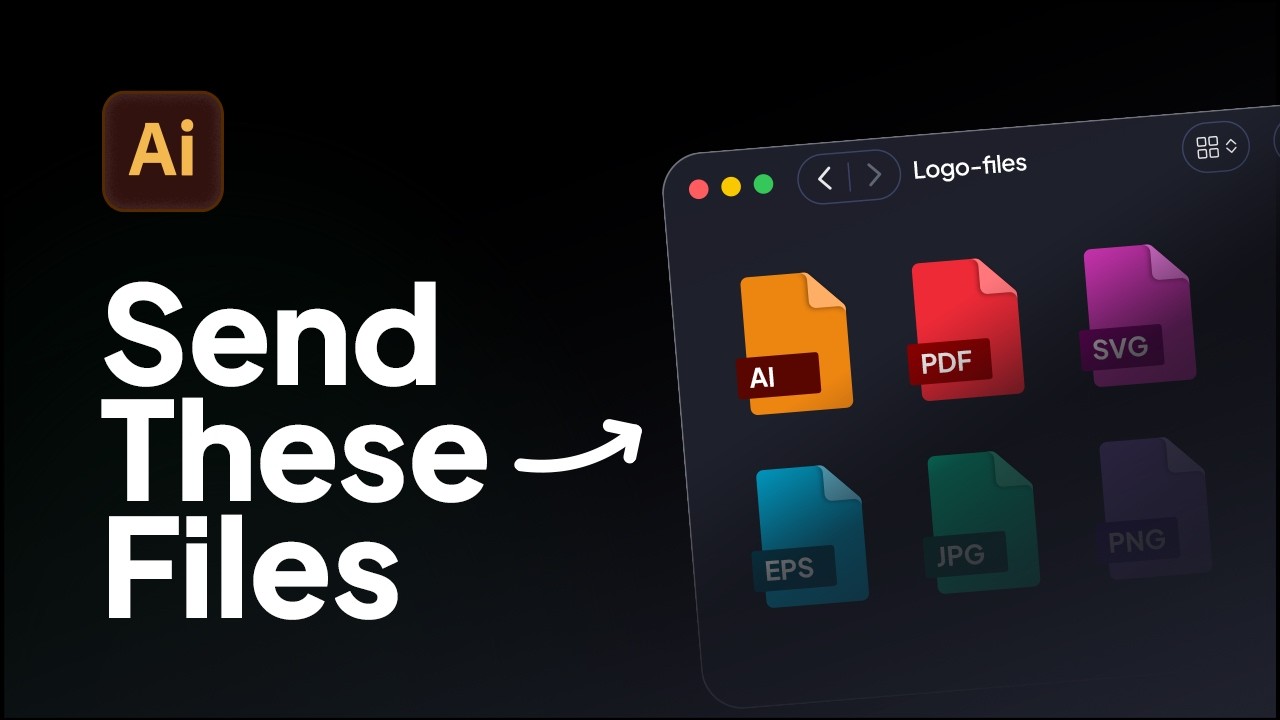
This video breaks down the essential logo formats, including both vector logo files and raster logo files, and explains how they are used across digital and print applications. It also shows how these formats apply to different logo variations, ensuring your logo package is complete, scalable, and ready for real-world use.
Understanding how to structure and deliver logo files correctly is a key part of professional brand identity work. Choosing the right combination of formats ensures your clients can use their logo across websites, social media, print, and future design projects without issues.
If you want to go deeper into logo file delivery and workflows:
Exporting logo files can be tedious but there is the fastest way. Exportit - Logo File Generator, an Adobe Illustrator plugin that can generate your logo files, in the correct formats and logo sizes instantly.
To save time on every delivery with sizes already organised, download the Logo File Structure freebie - a pre-built folder structure and naming system ready for your next project.


Learn how to export logo files for clients in Adobe Illustrator using the correct logo variations, artboard setup, and file formats for professional delivery.
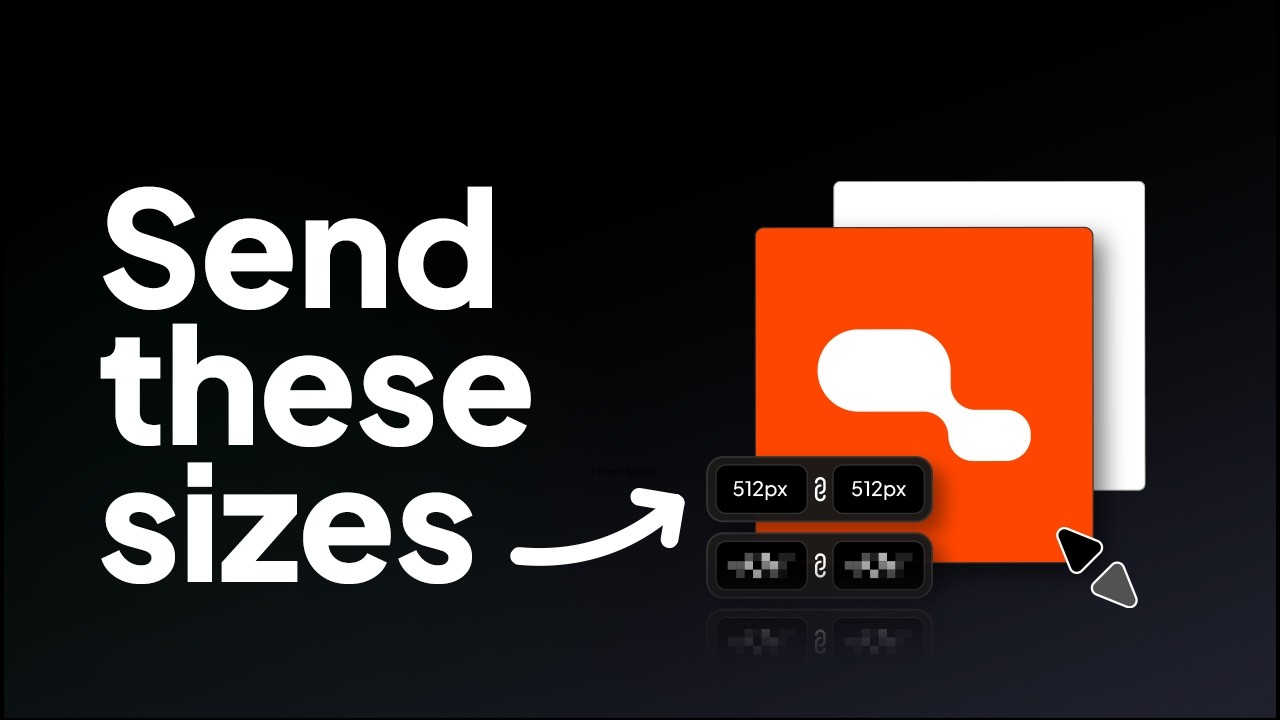
Learn the correct logo sizes to include in a logo package for professional client delivery.
Try all five tools free for 7 days, inside Adobe Illustrator.
7-day free trial · cancel anytime