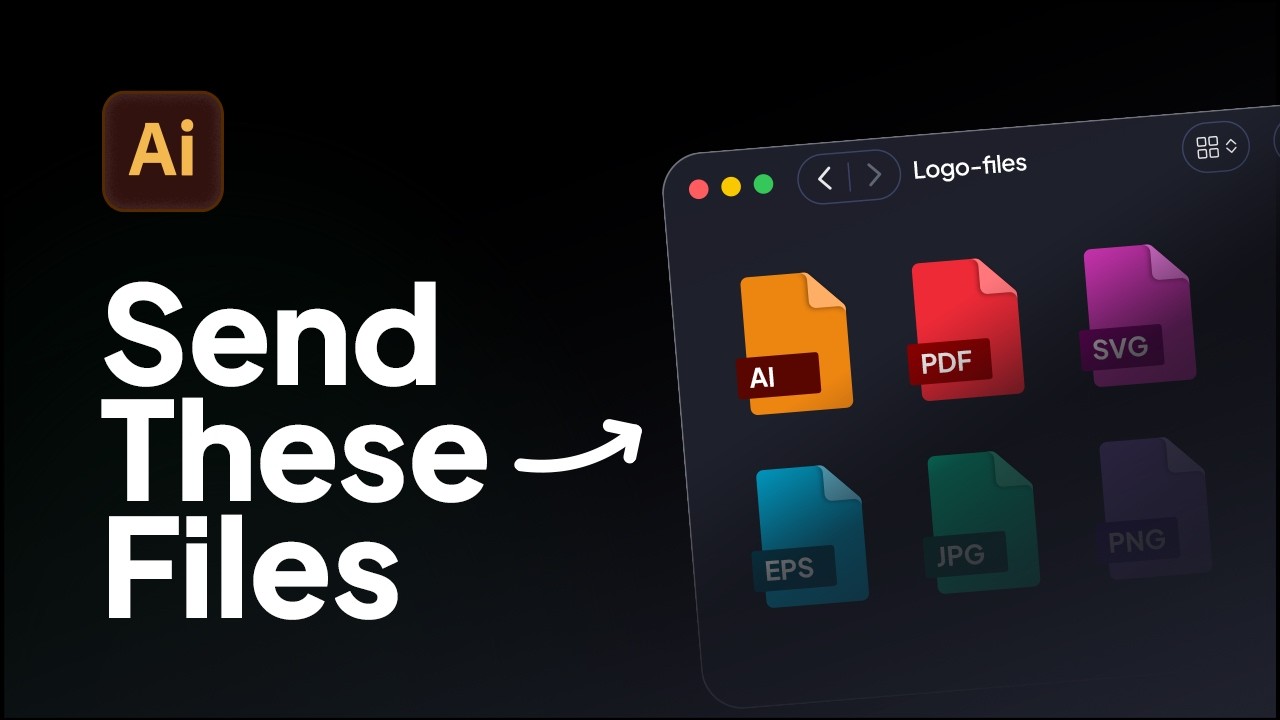
How to Export Logo Files in Adobe Illustrator | Web & Print Formats
Learn how to export logo files for clients in Adobe Illustrator using the correct logo variations, artboard setup, and file formats for professional delivery.
How to add an additional logo variation after generating brand guidelines with GuideIt.
In this tutorial, you'll learn to add an additional logo variation after generating brand guidelines with GuideIt.
Once your brand guidelines are generated, this shows the method for duplicating an artboard, removing existing logo place holders, and safely inserting a new logo variation without issues with the documentation.
You’ll learn:
If you haven’t tried GuideIt yet, start your free 3-day Akrivi trial to access GuideIt and all included tools, including GridIt.

Learn how to export logo files for clients in Adobe Illustrator using the correct logo variations, artboard setup, and file formats for professional delivery.
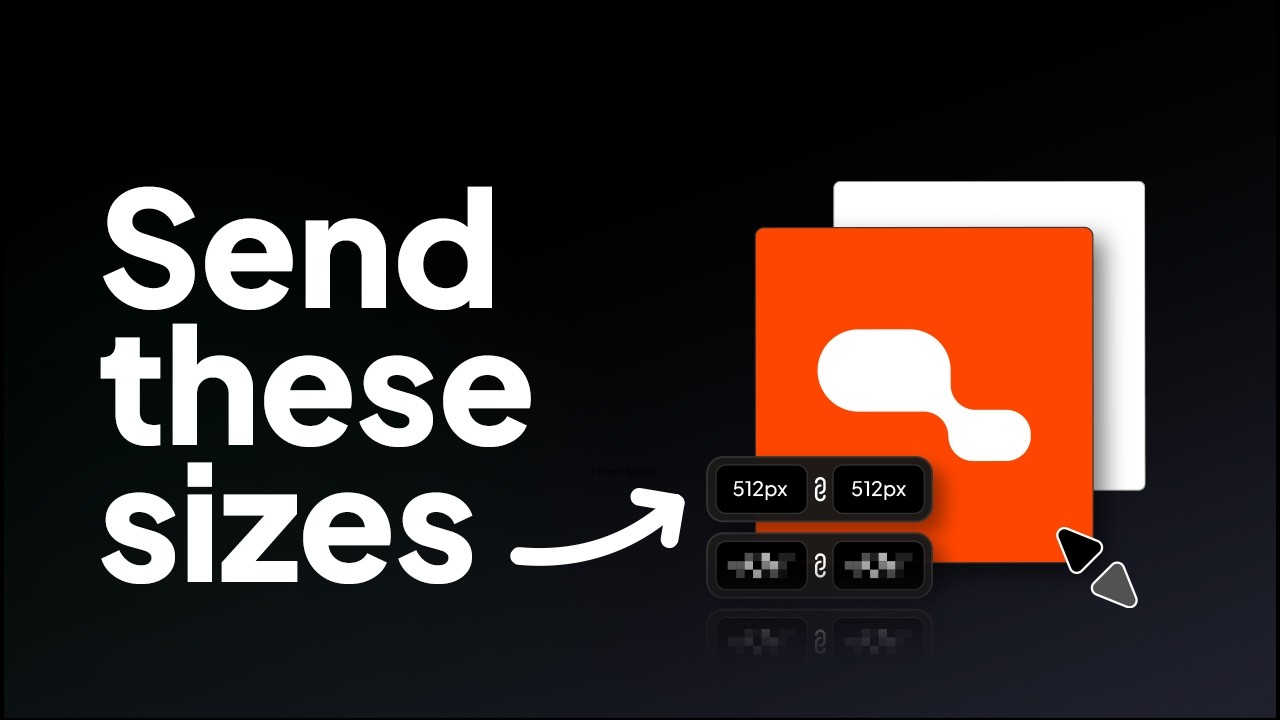
Learn the correct logo sizes to include in a logo package for professional client delivery.
Try all five tools free for 7 days, inside Adobe Illustrator.
7-day free trial · cancel anytime