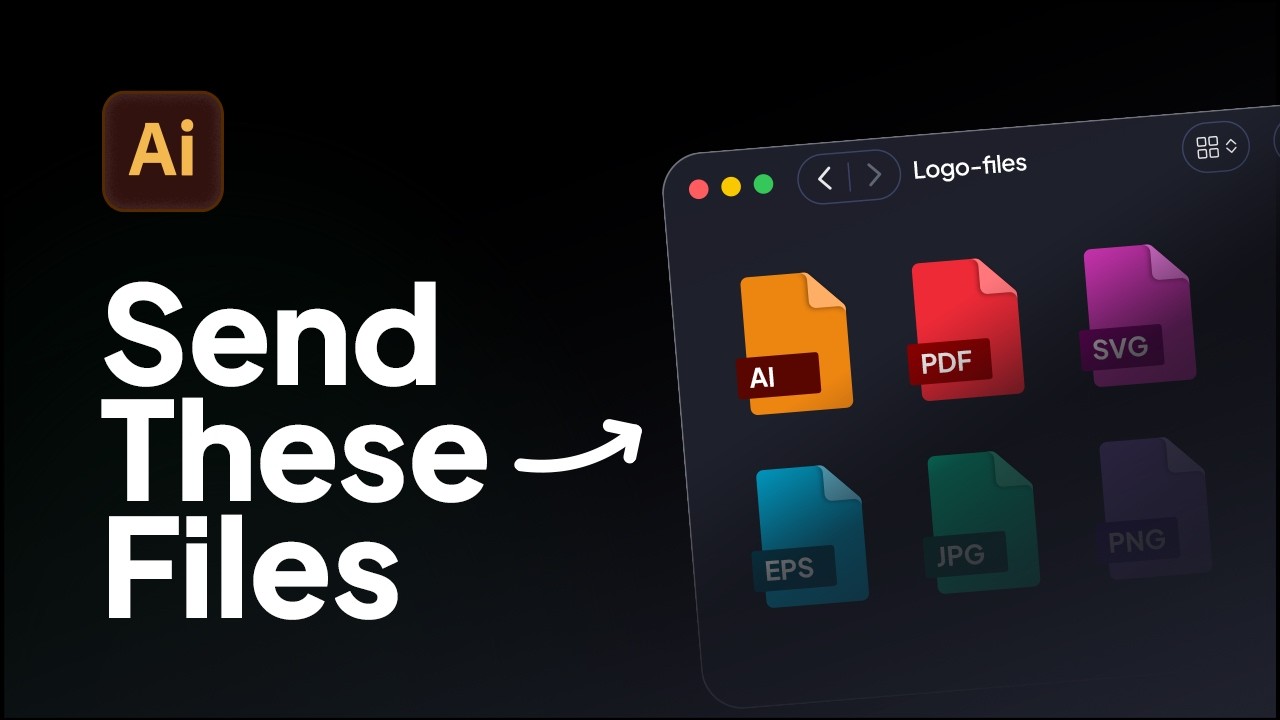
How to Export Logo Files in Adobe Illustrator | Web & Print Formats
Learn how to export logo files for clients in Adobe Illustrator using the correct logo variations, artboard setup, and file formats for professional delivery.
Livestream of Akrivi Guideit Brand Guidelines Generator - Adobe Illustrator Plugin
In this livestream, I demonstrate how to create complete, client-ready brand guidelines directly in Adobe Illustrator using Akrivi Guideit — a brand guidelines generator built for professional brand identity designers.
The video covers a real-world workflow for generating brand guidelines without manually placing logos, entering color values, or relying on static, expensive PDF templates.
Instead, the process uses automated templates that handle layout, structure, and updates automatically inside Illustrator.
This session is aimed at professional designers who want to speed up brand identity delivery while maintaining consistency and precision across projects.
You’ll see:
If you’re designing brand identities regularly and want a faster, more reliable way to create brand guidelines, this video shows how that workflow looks in practice.

Learn how to export logo files for clients in Adobe Illustrator using the correct logo variations, artboard setup, and file formats for professional delivery.
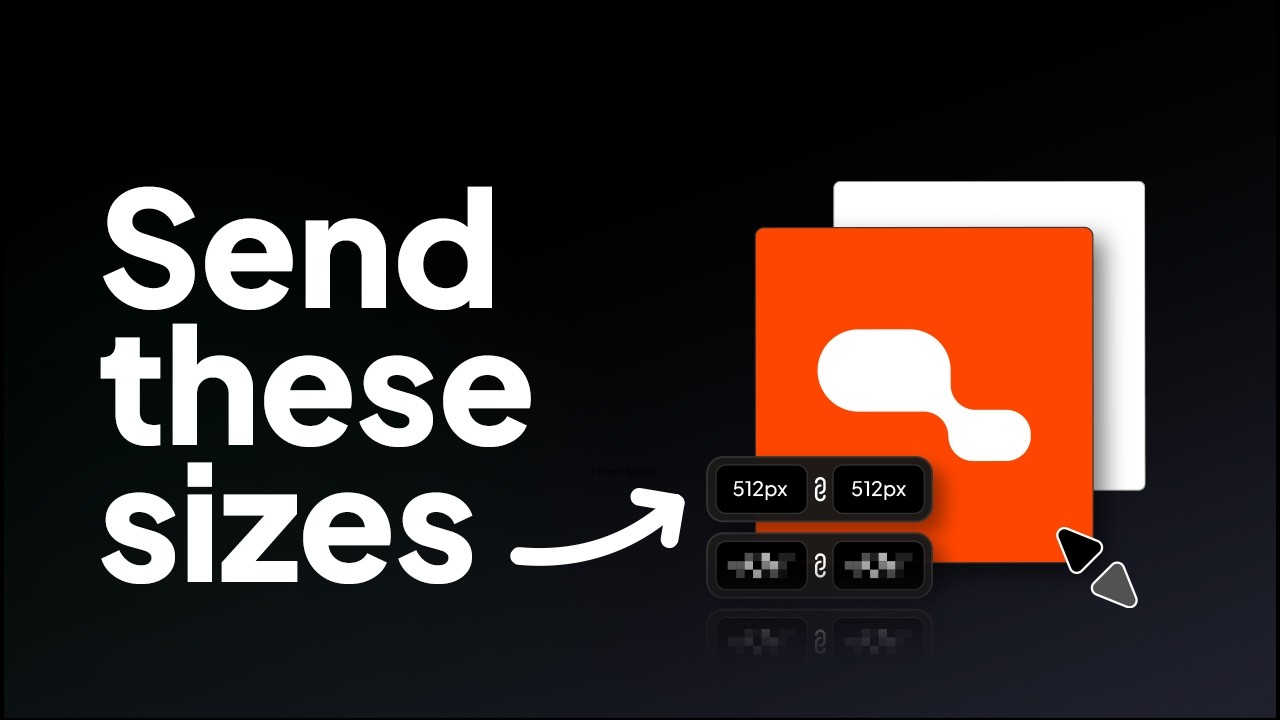
Learn the correct logo sizes to include in a logo package for professional client delivery.
Try all five tools free for 7 days, inside Adobe Illustrator.
7-day free trial · cancel anytime