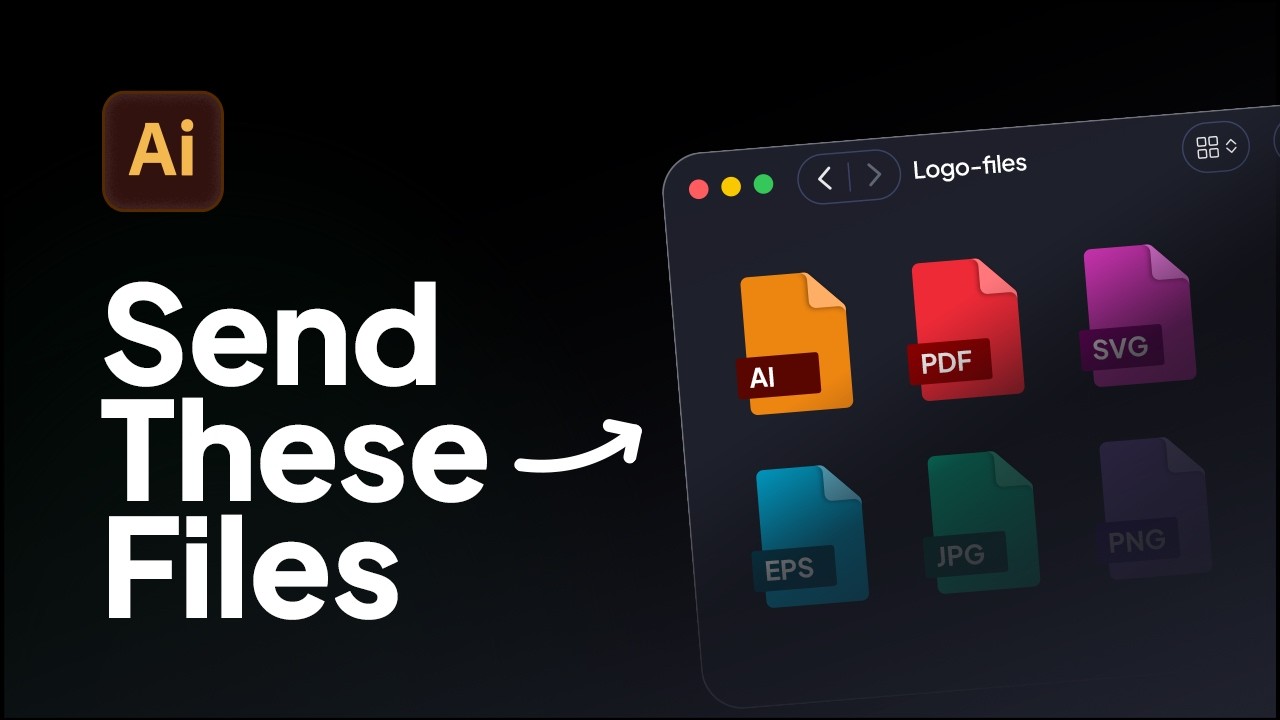
How to Export Logo Files in Adobe Illustrator | Web & Print Formats
Learn how to export logo files for clients in Adobe Illustrator using the correct logo variations, artboard setup, and file formats for professional delivery.
This livestream demonstrates how professional designers use logo grid systems in Adobe Illustrator to build precise, consistent logos using brand identity automation tools - Gridit.
In this live session, I break down how to design logos using grid systems and explain the four types of logo grids professional designers use to build accurate, consistent marks.
The session covers when to use each logo grid type across a real process. From early concept to final delivery. I also show how these grids can be created inside Adobe Illustrator, including faster approaches using Akrivi's brand identity design automation tools.
Tools used:
This session is aimed at designers who want to improve logo construction, reduce guesswork, and build more consistent logo systems.
You’ll learn:
👉 Click here to try Akrivi Gridit for FREE

Learn how to export logo files for clients in Adobe Illustrator using the correct logo variations, artboard setup, and file formats for professional delivery.

Learn the correct logo sizes to include in a logo package for professional client delivery.
Try all five tools free for 7 days, inside Adobe Illustrator.
7-day free trial · cancel anytime