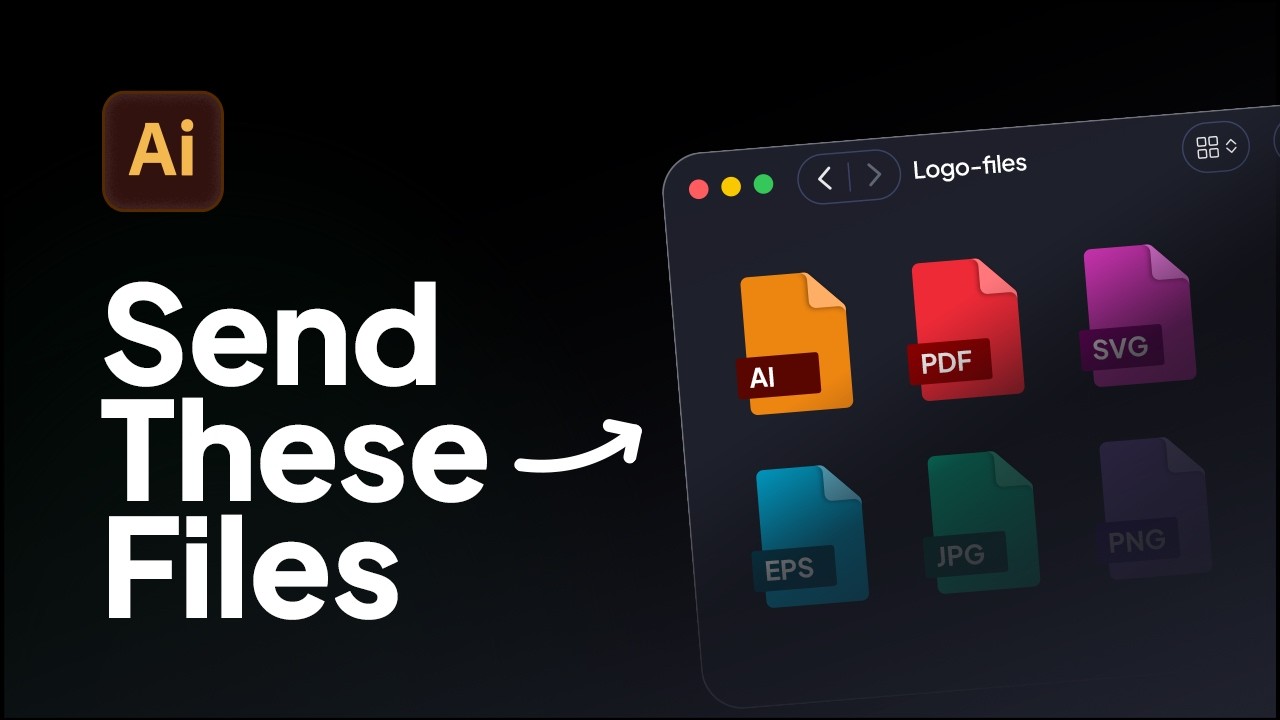
How to Export Logo Files in Adobe Illustrator | Web & Print Formats
Learn how to export logo files for clients in Adobe Illustrator using the correct logo variations, artboard setup, and file formats for professional delivery.
Wondering what grid system your logo design needs? Learn the simple 'Grid Matching' technique to help you choose the best grid for your logo!
You’re about to design a logo, but wondering: what grid should I use?
This video teaches a simple technique to help you choose the right grid before designing any logo.
There are four main grid systems used at different points in the logo design process.
But base grids can be used both before and after the logo is created.
Introducing Grid Matching
Grid matching is the process of finding the correct base grid for your logo.
You do this by overlaying different grids on your sketch to see what fits best.
Types of Base Grids
Example 1: Trying Square Grid
Trying Isometric Grid
Example 2: Testing Another Logo
The 20% Rule
Golden Ratio Grid
Example 3: Final Logo Sketch
Next Step: Vectorise the Logos
What Base Grids Achieve
Grid Matching helps identify the best structural grid by testing multiple options against a rough sketch.
You can download the Logo Grids Core Kit for free. It includes:
Check the link in the description.
Thanks for watching! Please like, share, and subscribe for more videos like this.

Learn how to export logo files for clients in Adobe Illustrator using the correct logo variations, artboard setup, and file formats for professional delivery.
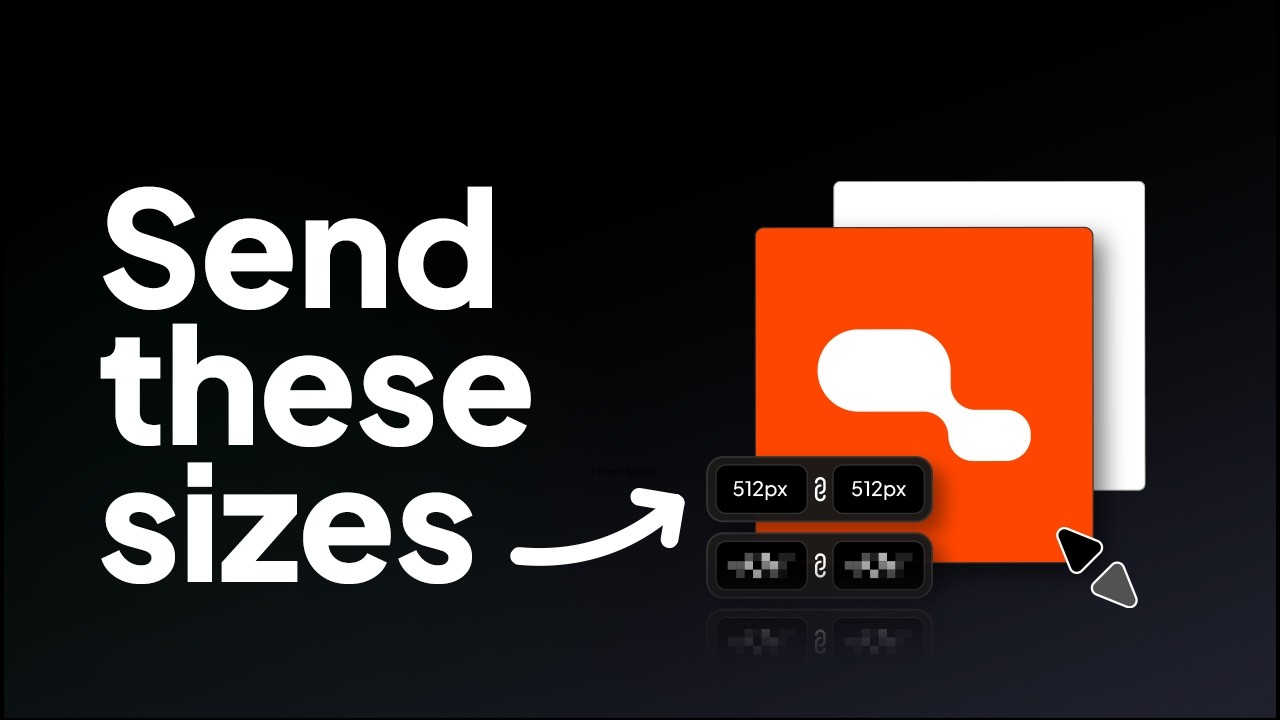
Learn the correct logo sizes to include in a logo package for professional client delivery.
Try all five tools free for 7 days, inside Adobe Illustrator.
7-day free trial · cancel anytime