Generate professional brand guidelines in seconds, not hours
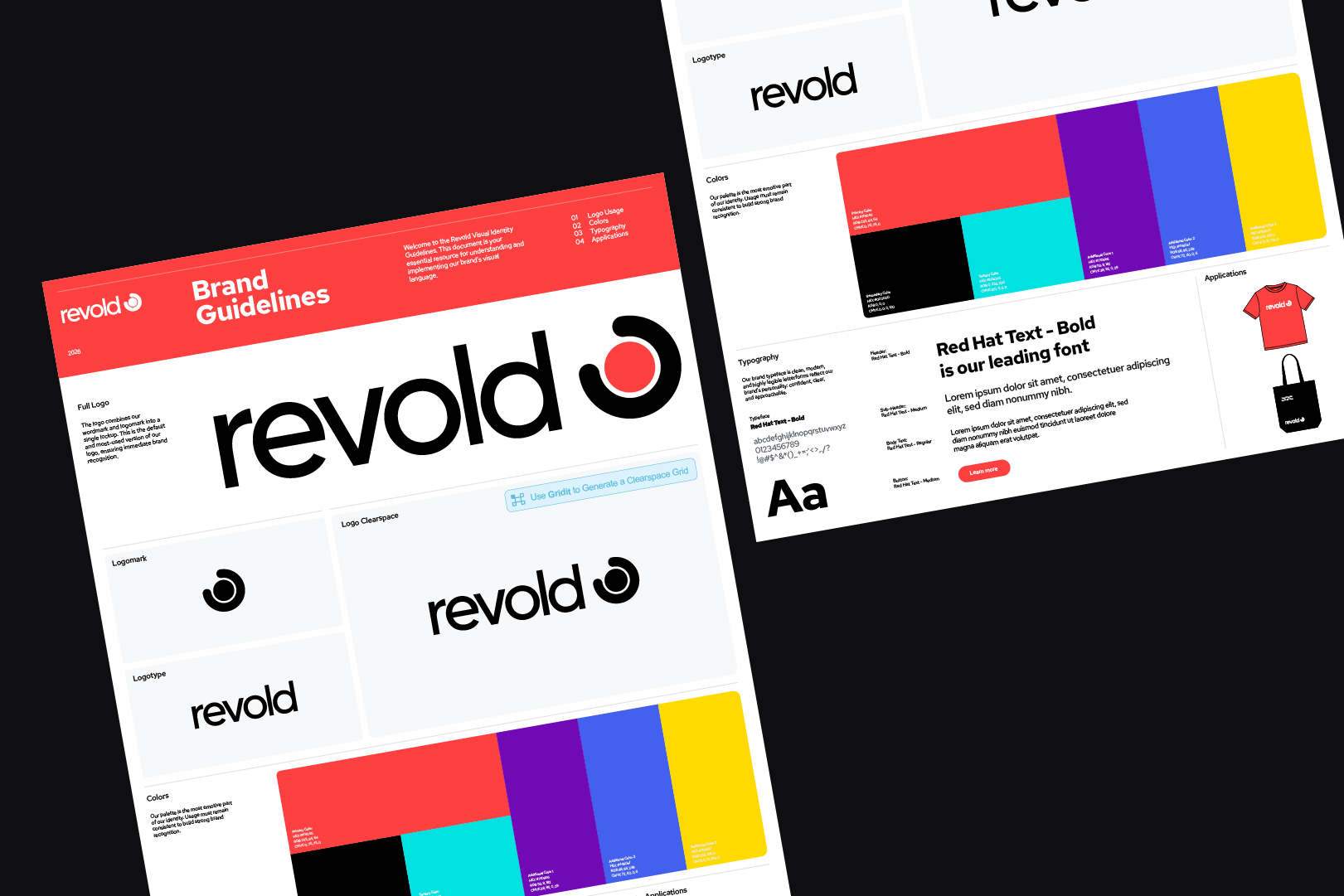
Create consistent, client-ready brand guidelines inside Adobe Illustrator using automated templates built for professional brand identity projects.


3 Day Free Trial - Cancel anytime
Create brand guidelines
without the manual setup

Start with automated layouts
Generate structured guideline pages for real client projects without building each layout manually.

Save hours on every document
Reduce repetitive formatting, page setup, and layout work across every brand guidelines project.

Hand off with confidence
Deliver cohesive, client-ready brand guidelines that feel polished, consistent, and easy to understand.
Automate your brand guidelines
in 5 simple steps
Consistent logo usage automation
Start with the brand’s essentials — logo, colors, and typography.

Instant template generation
No need to buy expensive, static brand guidelines templates that cost up to $400.
Detailed bespoke customisation
Instantly turn your brand assets into clear, brand guidelines — with automated layouts and rules.
Easy page edits
Export your brand guidelines directly to Google Drive and share them with clients in one click.
Effortless updates
Need to change a logo, color, image, or copy? Use Apply Changes to update every page automatically.
Brand guidelines your clients
trust and understand
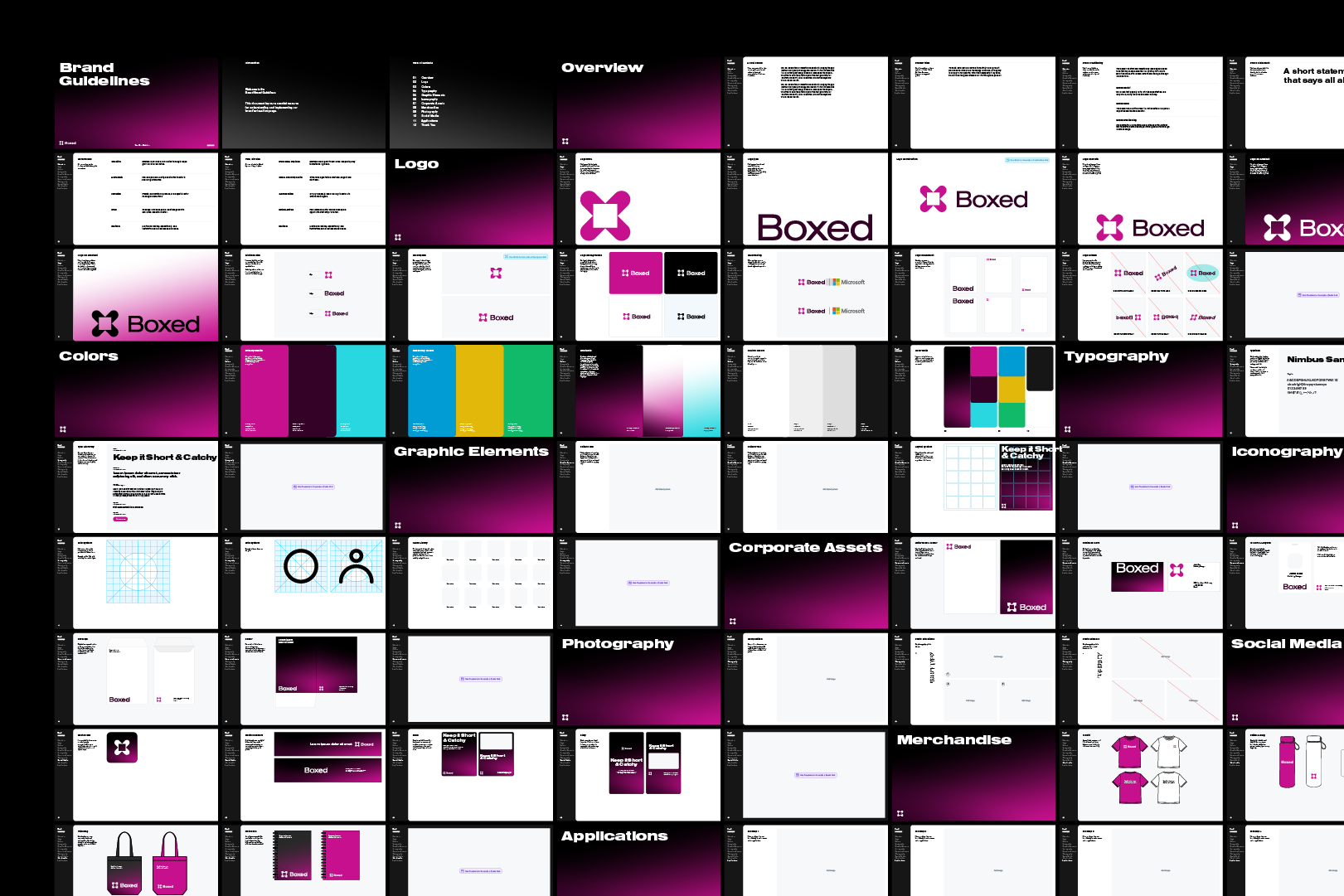
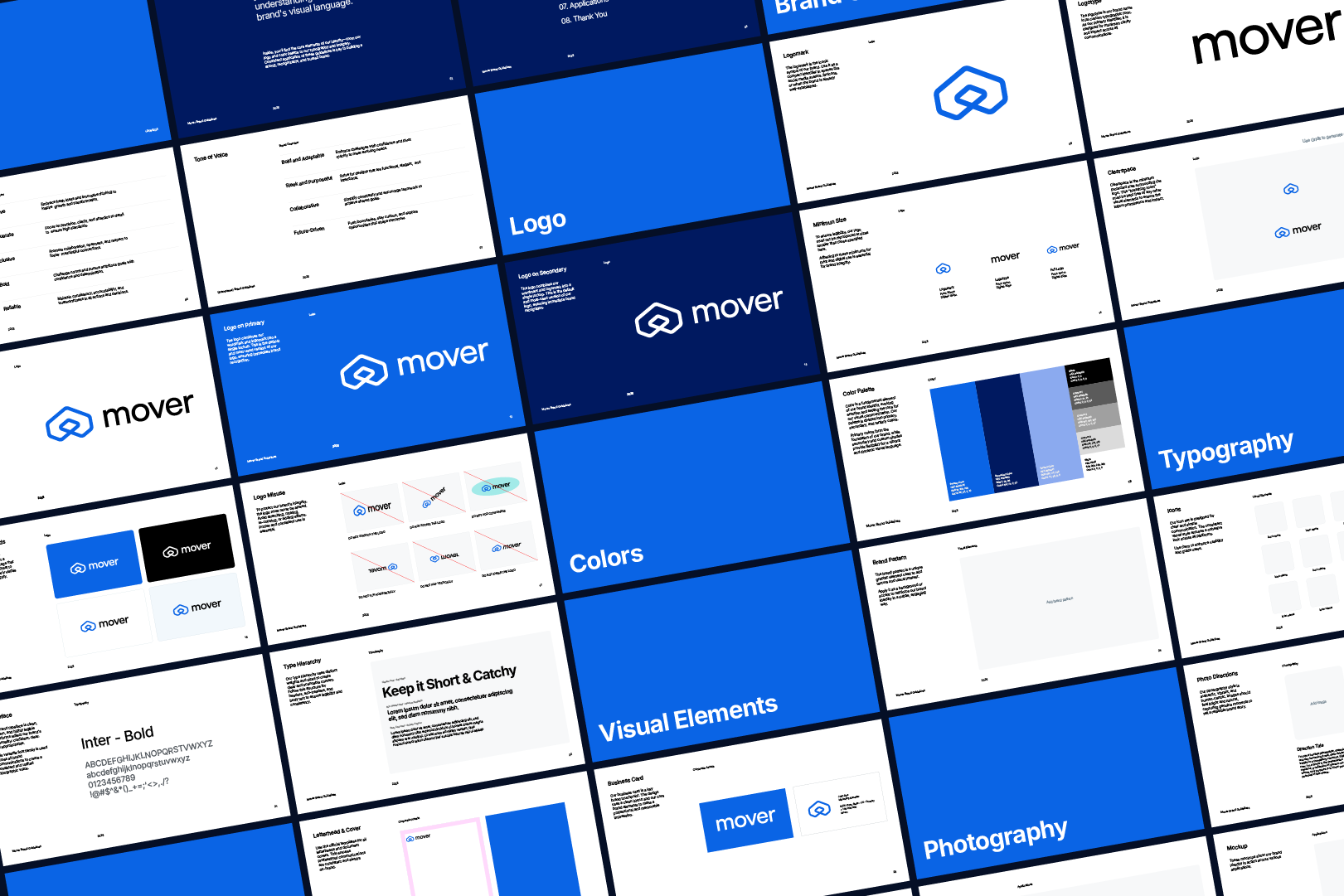
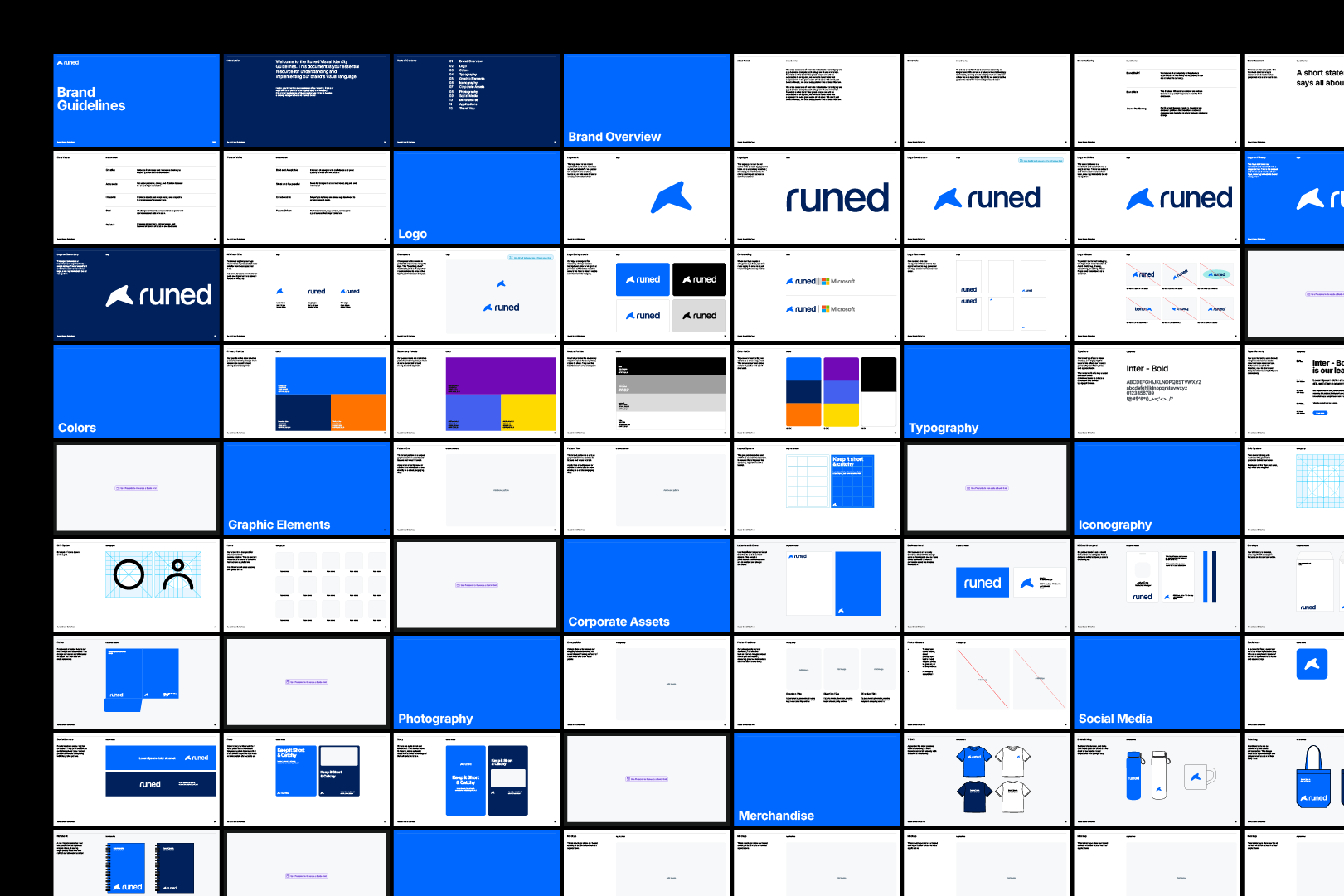
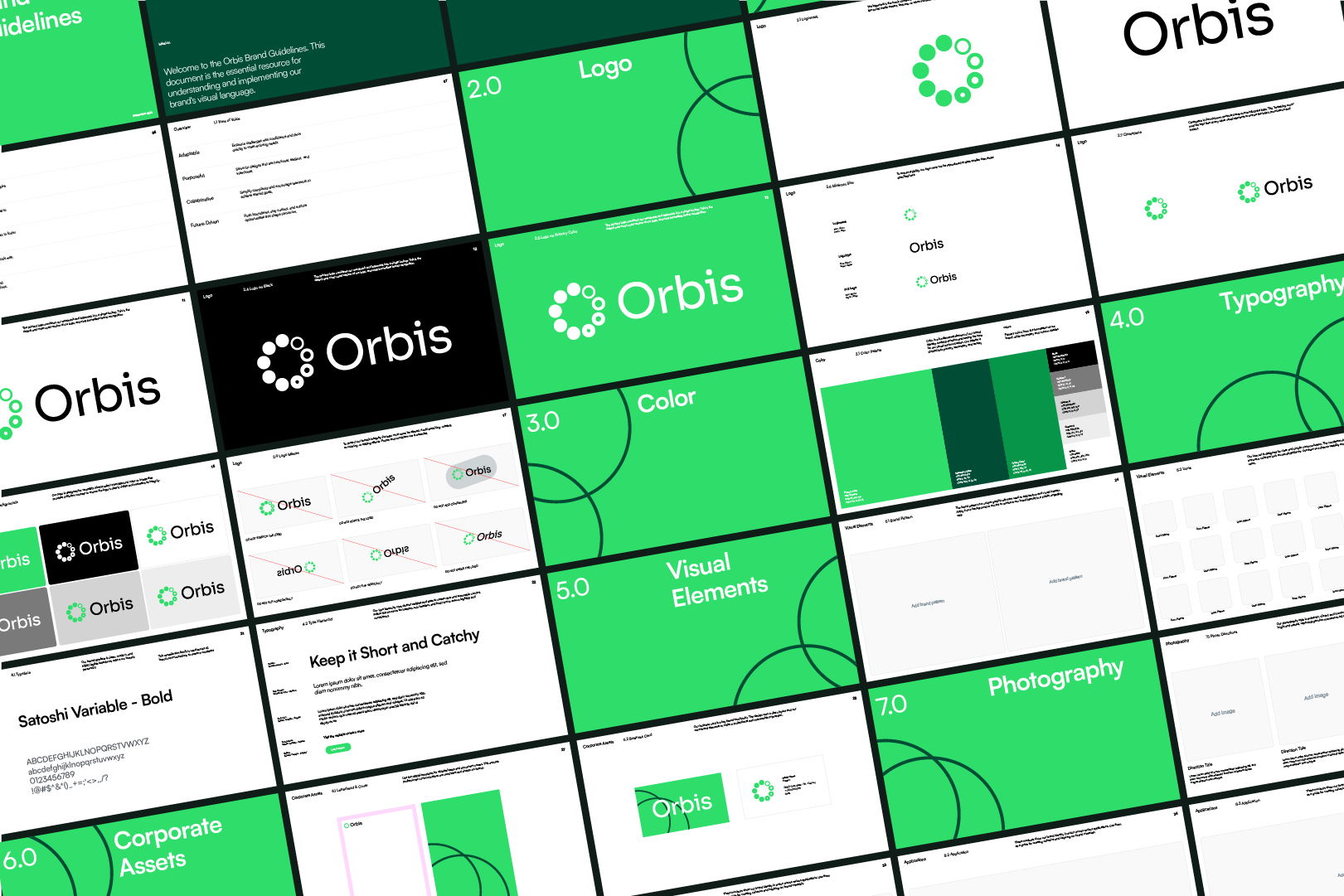
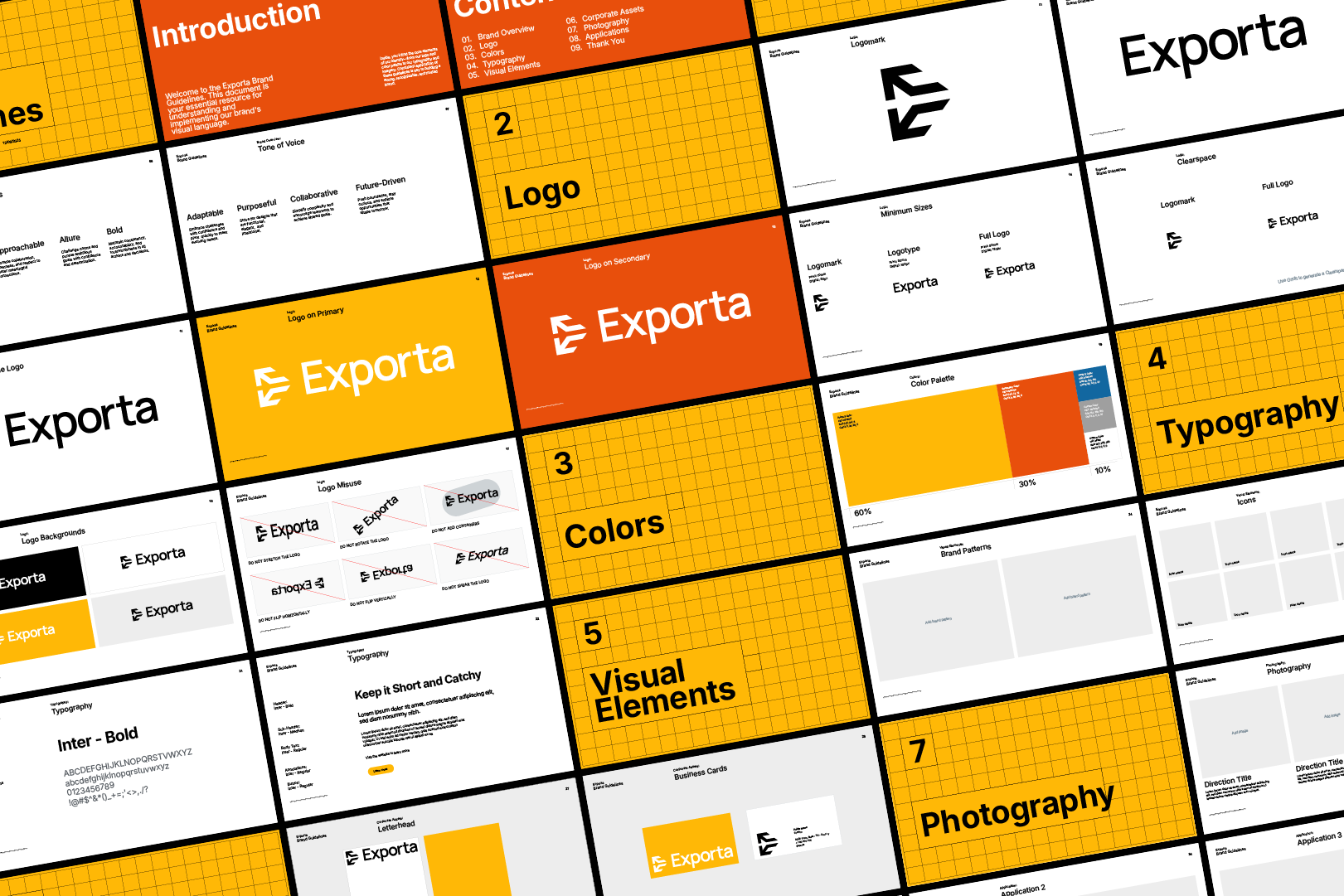
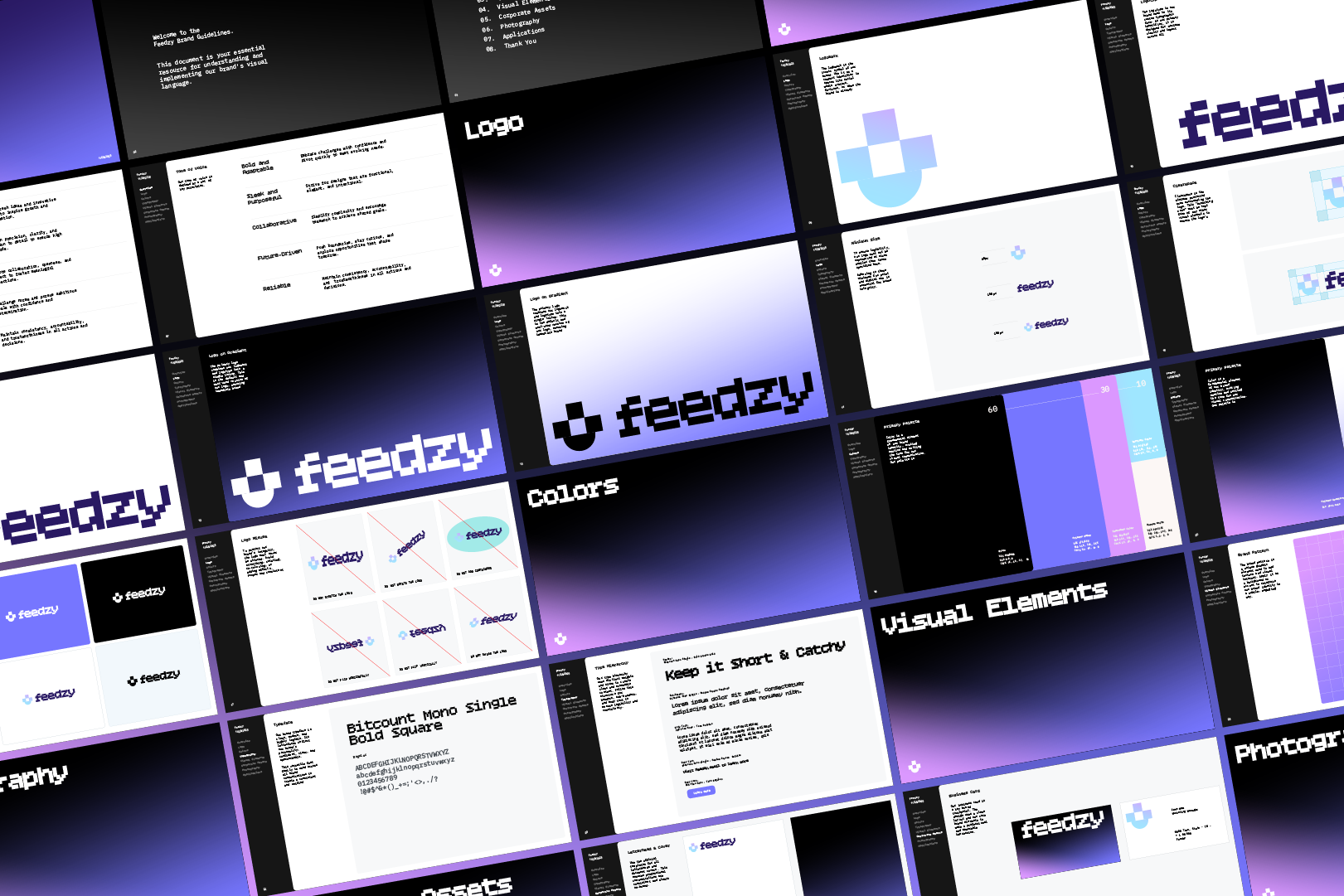
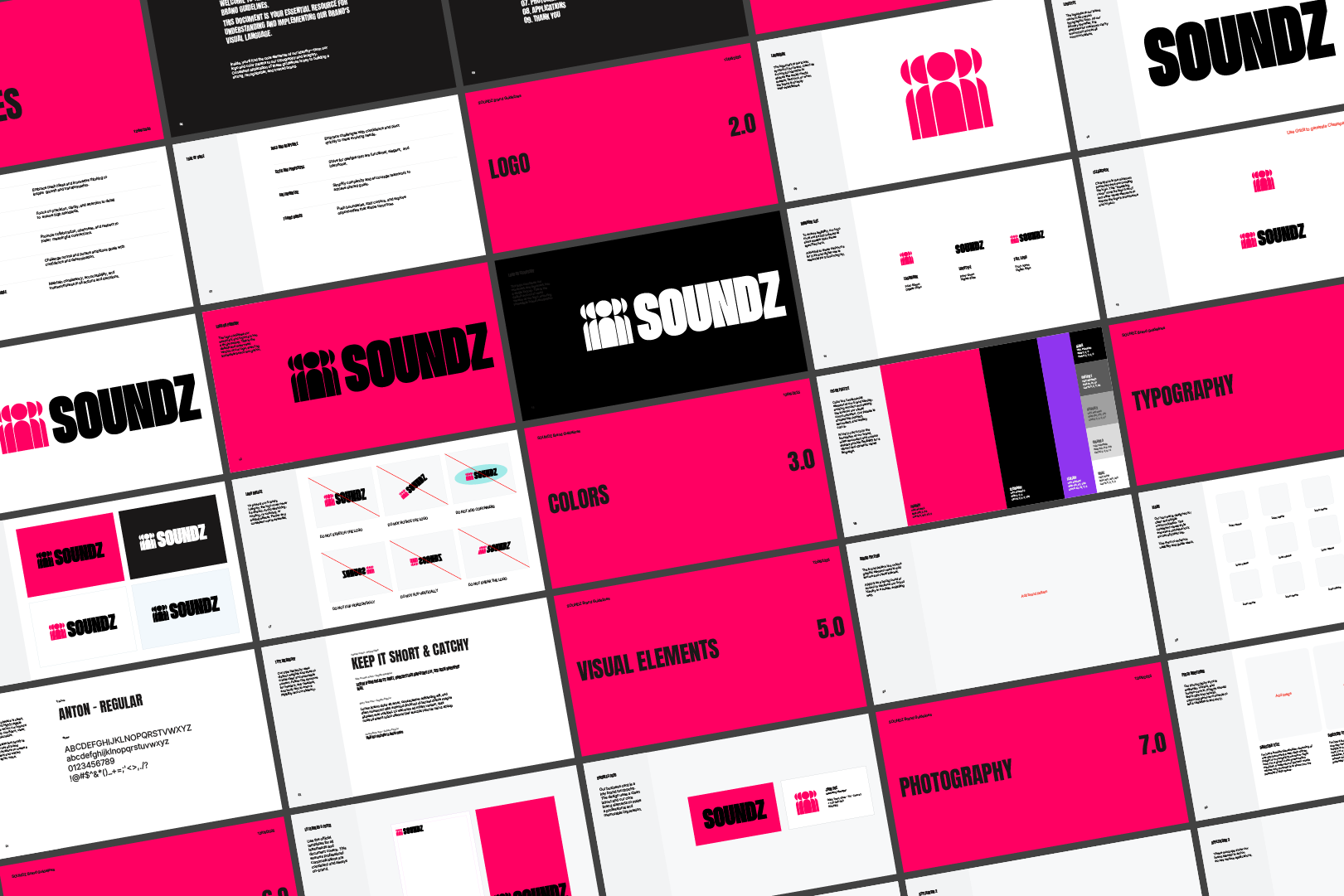
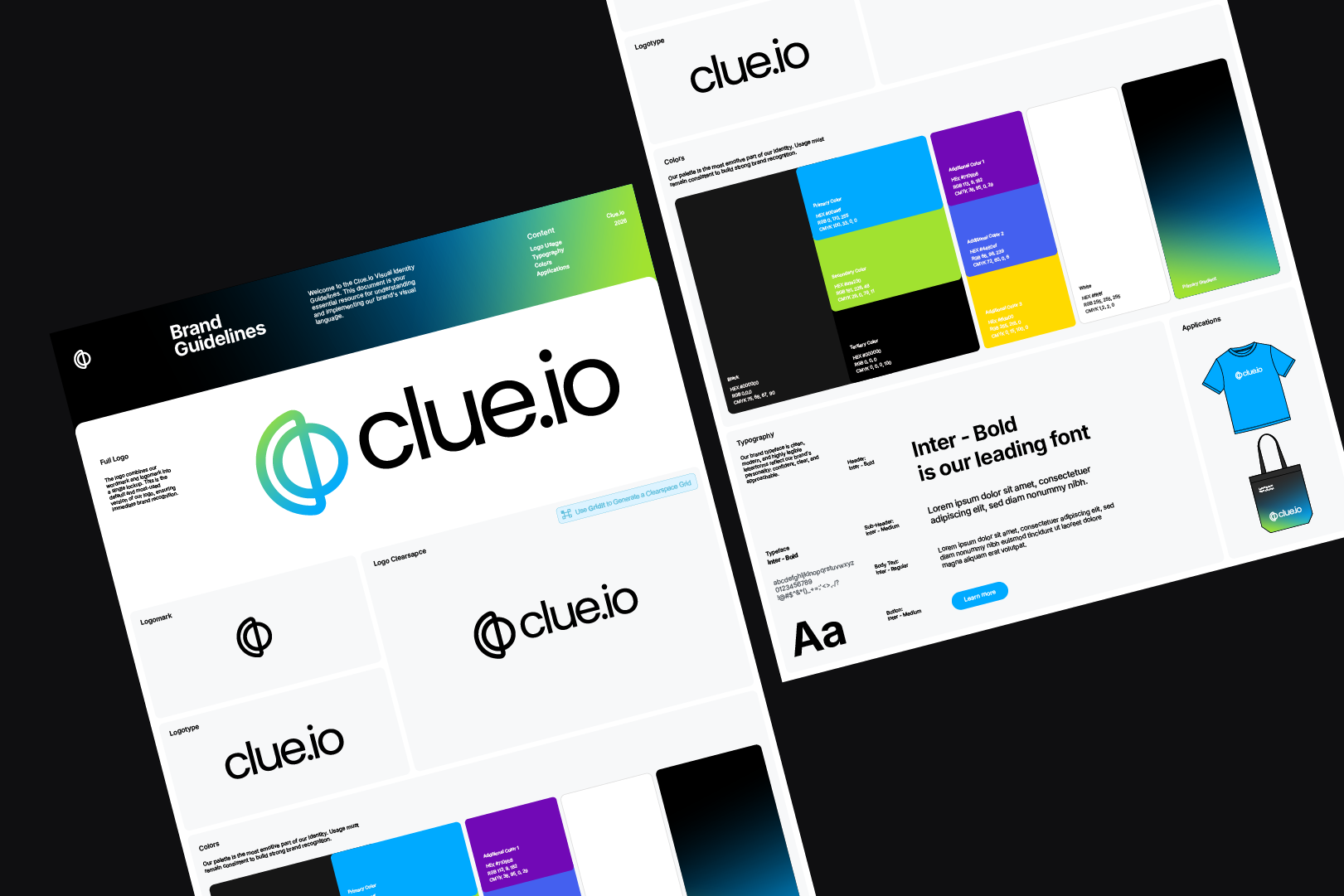
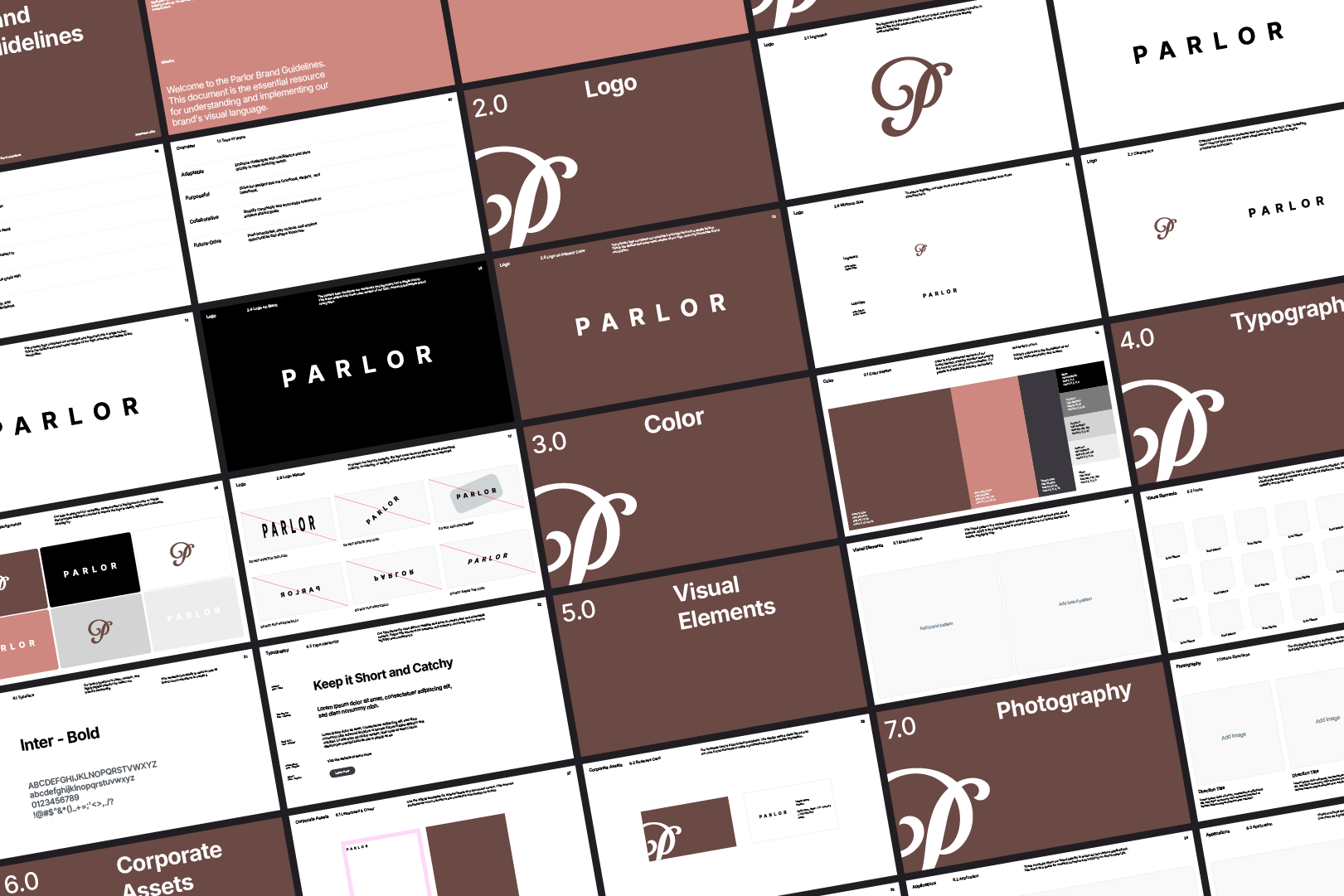
Focus on creating, not formating.
One plan. Hours back on every project.
Every tool, every update and every new release included.
Pays for itself on your first project.
Akrivi Studio
14 Day Free Trial

Pay at the end of your project, cancel anytime


FAQs
How does the Akrivi free trial work?

Your trial starts immediately after checkout and lasts 14 days, long enough to finish a project. You’ll be charged only if you don’t cancel before it ends, so you pay at the end of your project. Learn more about the trial here.
What are the system requirements?
We recommend at least 16GB of RAM to ensure smooth, reliable generation performance.
Do I get updates?

Absolutely. Your subscription includes all new features, improvements, and tool releases.
Can I cancel anytime?
Yes. You can cancel your subscription at any time, and your access will continue until the end of your billing period.
Can I get a refund?
Refunds are not offered.
All subscriptions include a free trial to test the tools before payment. Because Akrivi provides instant value, you must cancel before the trial ends if you don’t wish to continue.
A refund is only considered for verified technical issues reported within the 14 day trial period.
How many machines can I use it on?
You can install Akrivi on two devices as long as they belong to you.
Does Akrivi work on both Mac and Windows?
Yes. Akrivi Studio supports Adobe Illustrator on both macOS and Windows. Although, the tools do perform better on macOS.
What versions of Illustrator are supported?
Akrivi supports Adobe Illustrator 2021 to 2026.
Is this a one-time purchase or a subscription?
Akrivi Studio is a subscription that gives you continuous updates, new tools, and ongoing support.
Do you offer student discounts?
We currently don't offer student discount, however new designers can start with the free trial.
Is this available for Affinity Designer or Figma?
Akrivi currently doesn't offer any tools for Affinity Designer or Figma. It may come in the future.
Ready to speed up
your brand identity workflow?
Generate logo grids, presentations and brand guidelines in Adobe Illustrator. Deliver high-quality work in less time.
14 Day Free Trial - Pay at the end of your project